

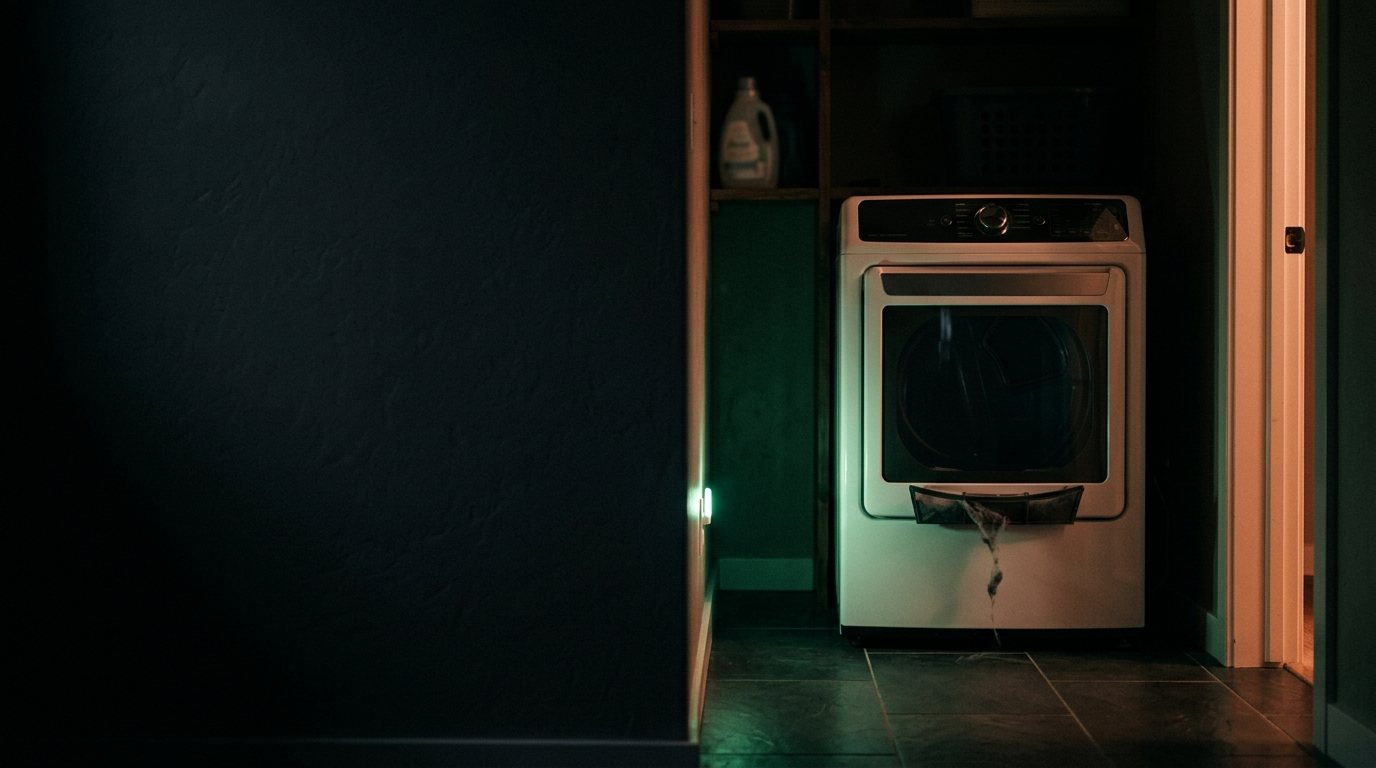
Thermador Dryer: Flashing Error Code on Display
Codes usually indicate a clogged vent, a moisture-sensor fault, or a heating-element issue. Add a photo of your Thermador Dryer in the box below: the Triage Profile says what it is, how urgent it is, and who to call.
Show us the dryer.
Snap a photo — see what it is, how urgent, who to call. One photo of the problem. fixRAgent reads it and gives you a Triage Profile.
Or start with a sentence
AR Logic LLC · Privacy · Managing this for someone else? There is a version of this for whole portfolios. Managers: set it up for your buildings →
In the next five minutes
Safe first steps, before the call. Nothing here needs a tool.
If you smell gas: don’t touch any switch or plug, leave, then call the gas company or 911 from outside.
No gas smell? Take a photo of the code on the display, then stop the dryer and switch off its breaker, or unplug it if the plug is dry and you can reach it without moving the dryer.
If you can read its label without moving it, note the brand and model number for the call.
Everything else about this problem
Is it an emergency?
Is a Thermador dryer error code an emergency?
Usually not an emergency — the code is the appliance reporting a fault it detected. Note the code, then turn it off at the breaker for a minute and back on. If the code returns with a burning smell, smoke or a leak, leave it off and call a pro.
Symptoms & causes
A Thermador dryer flashing an error code on its display typically indicates a specific internal fault detected by the control board, preventing normal operation. This could range from a simple clogged vent to a more complex electrical or sensor malfunction. Common root causes include issues with the thermal fuse, door switch, moisture sensor, or the main control board itself.
Tools & parts
Essential tools for checking a Thermador dryer include a multimeter for testing continuity and voltage, a screwdriver set (Phillips and flathead), and needle-nose pliers. Specific Thermador parts that might be needed are a thermal fuse, a door switch, or a moisture sensor. A replacement control board may be needed.
Safety first
Always disconnect power to the Thermador dryer by unplugging it from the wall outlet or flipping the circuit breaker before performing any inspection or repair. If it is a gas dryer, also turn off the gas supply valve to prevent leaks. Be cautious of sharp edges inside the appliance and potential burns from hot components if the dryer was recently in use.
When to call a pro
A professional technician should be called if the error code points to a complex control board failure that requires specialized programming or tests. Issues involving the main drive motor or drum assembly, which are often labor-intensive and require specific tools, also warrant expert intervention. Furthermore, any problems related to the gas valve or igniter on a gas Thermador dryer should always be handled by a certified professional for safety reasons.
Questions people ask
What are common Thermador dryer error codes?
Common Thermador dryer error codes often include E01 for a door switch issue or E02 for a heating element problem. Consulting your specific model's user manual will provide the exact meaning for the code displayed.
Can I fix a flashing error code myself?
Many simple error codes, like those caused by a clogged lint trap or a tripped thermal fuse, can often be resolved with basic DIY troubleshooting. However, complex electrical issues or control board failures typically require professional expertise and specialized tools.
How do I reset a Thermador dryer?
To reset your Thermador dryer, first unplug it from the power outlet for at least 5 minutes, then plug it back in. If the error persists, you may need to consult your owner's manual for a specific reset procedure or sequence of button presses.
Related problems
More Thermador dryer problems
Check another symptom for your Thermador Dryer.
Flashing an error code: other brands
Error codes
A resident sent you this?
fixRAgent reads resident photos for whole portfolios: what it is, how urgent, who to send, what to tell them.
Set it up for your buildings →Ask AI about this problem
What it is, how urgent, who to call
Add a photo of your Thermador Dryer in the box at the top. The Triage Profile says what it is, how urgent it is, and who to call.