Get started
Set up your buildings.
Tenants send a photo. You get it back sorted: what it is, how urgent, who to call, and what to tell them.
Free1 building, up to 10 doors
No cardNo password either
5 minabout, start to finish
1
Enter your email, then tap the link we send
The link signs you in. Open it on your phone and your phone is signed in too.
Have these ready
Your work emailIt becomes your account.
Your list of buildings and unitsCopy it straight from Excel or Sheets.
What's in each unitWater heater, fridge, washer, AC. Make and model are optional.
A printerFor the stickers. You can print from your phone.
The five steps
Step 1 of 5-
1
Enter your email, then tap the link we sendThe email box is at the top of this page.
-
2
Name your portfolioWhatever you call it. Your company name works.
-
3
Paste your unit listOne line per piece of equipment: building, unit, what it is. Up to 500 lines at once.buildingunitequipment14 Maple St2Bwater heater14 Maple St2Bdishwasher14 Maple St2Arefrigerator
-
4
Print your stickers and put them onOne for each piece of equipment on your list, plus one for every unit and one for every building, for anything that isn't equipment.
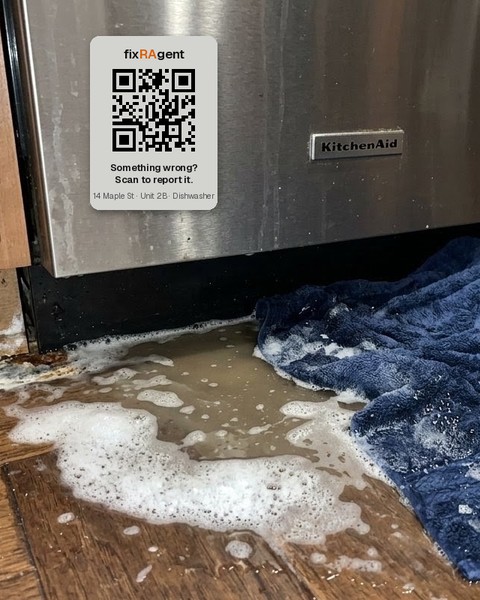 Each sticker already knows its building, unit and equipment.Tenants scan it and send a photo. No app, no login.
 -
5
Test it yourselfScan one of your stickers with your phone and send a photo. Watch it land in your queue, sorted.
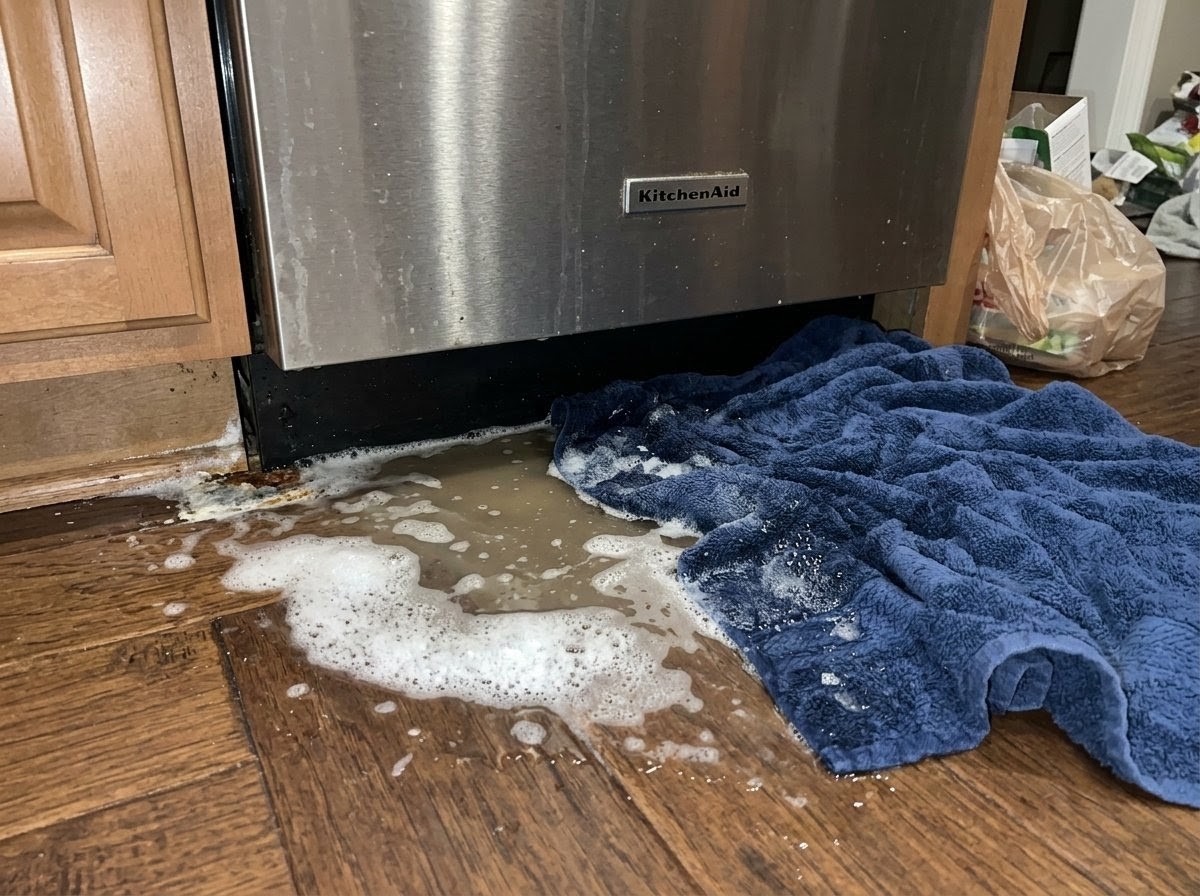 14 Maple St · 2B · DishwasherAppliance technicianEMERGENCY
When you're done, you'll have
- Stickers on your equipment, units and buildings
- One queue on your phone, worst first. Add it to your home screen.
- Emergency and same-day requests emailed to you right away
- Everything else in one 8 AM email, only on days something is waiting
More than 10 doors?Start free and add the rest when you're ready. See pricing and the founding ten offer.
500 doors or more, or a maintenance team?Book 20 minutes with both founders and we'll set it up with you.
Stuck?Write to support@fixragent.com. A founder replies within one business day.