

Samsung Microwave: Won't Start or Turn On
Commonly a door-switch fault, a blown fuse, or a control-board issue. Add a photo of your Samsung Microwave in the box below: the Triage Profile says what it is, how urgent it is, and who to call.
Show us the microwave.
Snap a photo — see what it is, how urgent, who to call. One photo of the problem. fixRAgent reads it and gives you a Triage Profile.
Or start with a sentence
AR Logic LLC · Privacy · Managing this for someone else? There is a version of this for whole portfolios. Managers: set it up for your buildings →
In the next five minutes
Safe first steps, before the call. Nothing here needs a tool.
Stop the microwave and switch off its breaker, or unplug it if the plug is dry and easy to reach.
Take a photo of the microwave and any code on the display, without opening anything.
Don’t use it again until it’s checked, and keep people away from it.
Everything else about this problem
Is it an emergency?
Is a Samsung microwave that won't start an emergency?
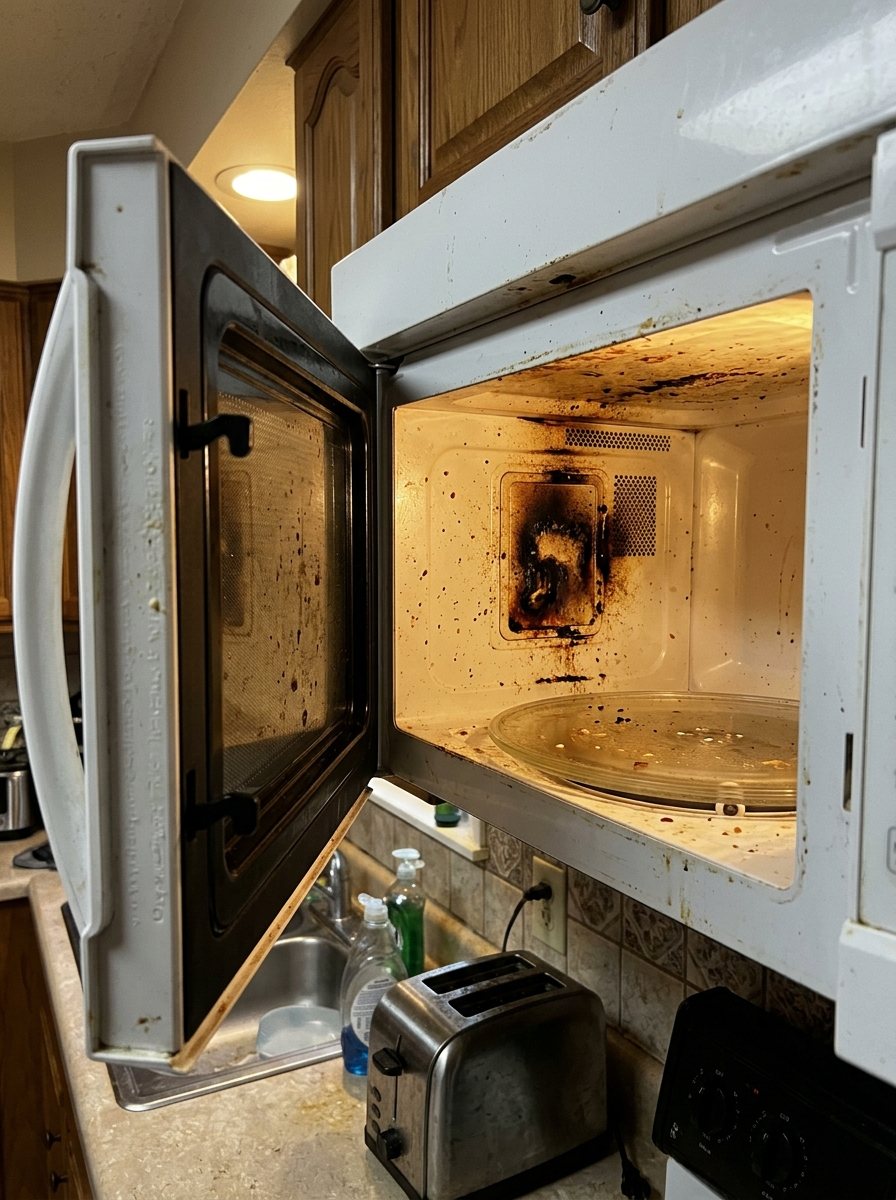
Usually not, but it can be. Because this can be an emergency, leave it off and get it checked; don't reset it or turn it back on. Stop and call a pro if it keeps tripping the breaker or smells like burning.
Symptoms & causes
Your Samsung microwave might be completely unresponsive, showing no display or lights, or it might display the clock but fail to start when the button is pressed. This often points to a power supply issue, a safety mechanism preventing operation, or a control circuit malfunction. Common culprits include a tripped circuit breaker, a faulty door latch switch, or a blown thermal fuse designed to protect against overheating.
Tools & parts
You will need a basic multimeter for testing continuity and voltage, along with a Phillips head screwdriver set to access internal components. Specific parts that might need replacement include a Samsung thermal fuse or a door interlock switch. Having needle-nose pliers can also be helpful for disconnecting wires in tight spaces.
Safety first
Always unplug the Samsung microwave from the wall outlet and turn off its dedicated circuit breaker before attempting any inspection or repair. Be extremely cautious of the high-voltage capacitor inside, which can store a lethal charge even after the unit is unplugged; it must be safely discharged. Wear insulated gloves and safety glasses, and be mindful of sharp metal edges within the appliance.
When to call a pro
If troubleshooting points to a faulty main control board, a high-voltage transformer issue, or a defective magnetron, it's best to call a qualified technician. These components involve complex tests, specialized tools, and significant electrical hazards that are not suitable for DIY repair. A professional can safely track down and replace these expensive parts, ensuring the microwave operates correctly and safely after repair.
Questions people ask
Why does my Samsung microwave have power but won't start cooking?
This often indicates a problem with the door interlock switches, which prevent the microwave from operating if the door isn't securely closed. It could also be a faulty start button or a control panel issue.
What if my Samsung microwave is completely dead, no lights or display?
First, check your home's circuit breaker to ensure it hasn't tripped, and test the wall outlet with another appliance. If power is present at the outlet, a blown thermal fuse or a main control board failure is likely.
Can I replace a thermal fuse myself on a Samsung microwave?
Yes, replacing a thermal fuse is a common DIY repair, but it requires careful disassembly and proper identification of the fuse's location. Always ensure the microwave is unplugged and the capacitor is discharged before starting.
Related problems
More Samsung microwave problems
Check another symptom for your Samsung Microwave.
Won’t start: other brands
Guides and hubs
A resident sent you this?
fixRAgent reads resident photos for whole portfolios: what it is, how urgent, who to send, what to tell them.
Set it up for your buildings →Ask AI about this problem

What it is, how urgent, who to call
Add a photo of your Samsung Microwave in the box at the top. The Triage Profile says what it is, how urgent it is, and who to call.