

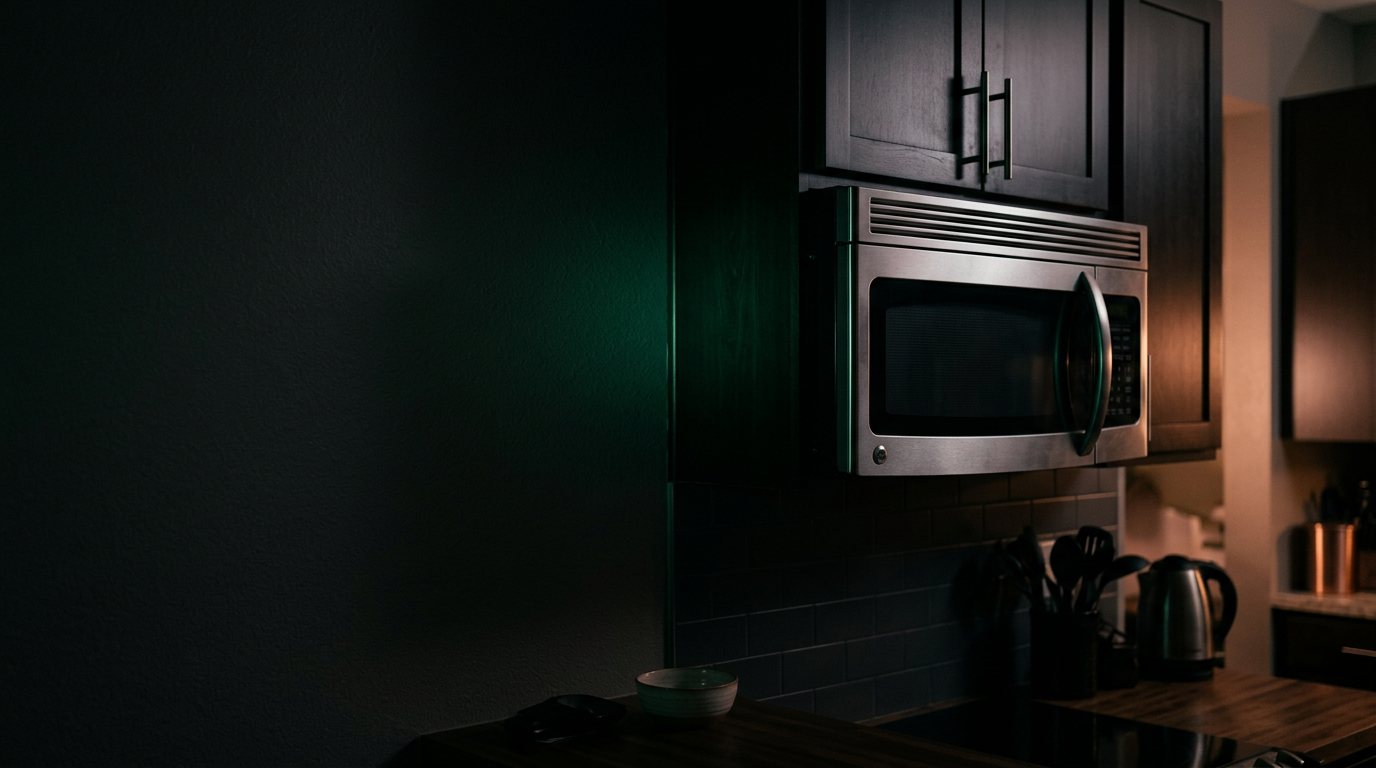
Samsung Microwave: Making Loud Noise
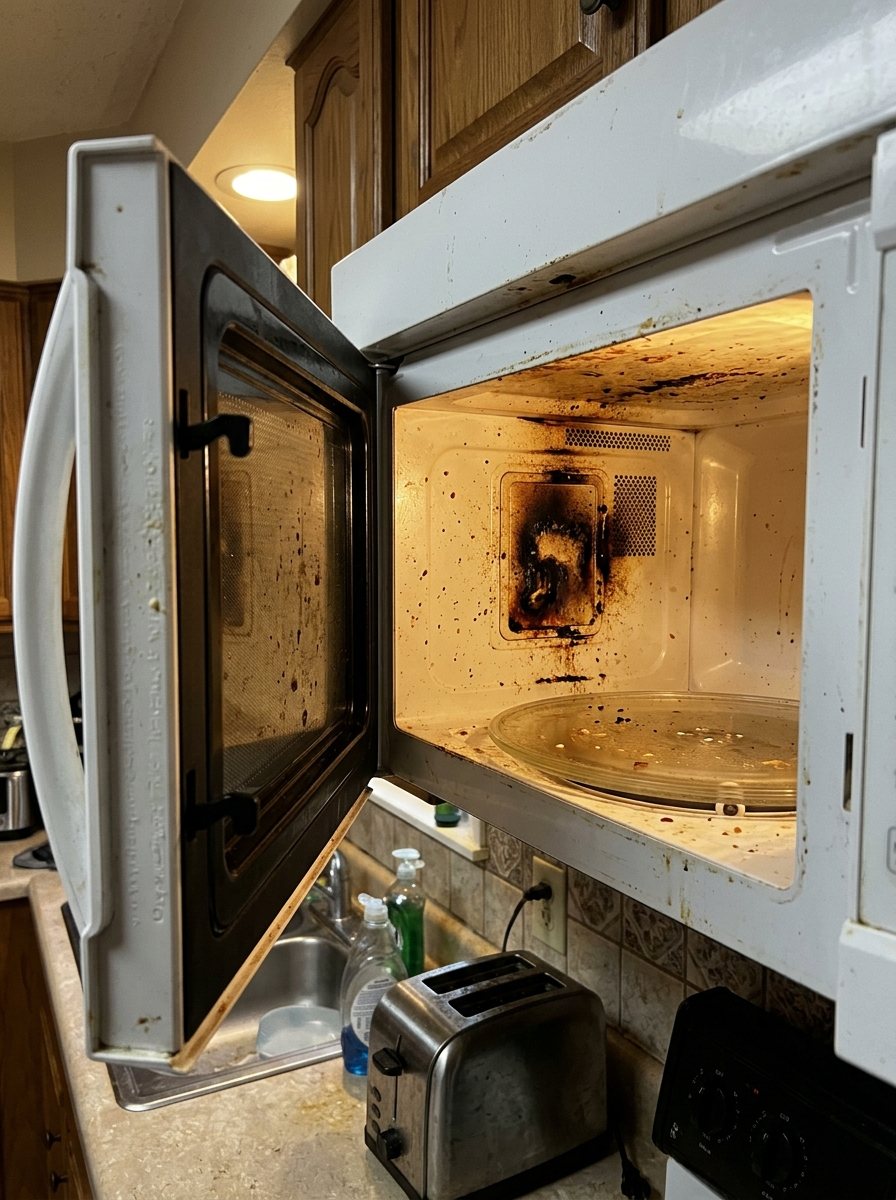
Often a failing magnetron, a worn turntable motor, or a bad cooling fan. Add a photo of your Samsung Microwave in the box below: the Triage Profile says what it is, how urgent it is, and who to call.
Show us the microwave.
Snap a photo — see what it is, how urgent, who to call. One photo of the problem. fixRAgent reads it and gives you a Triage Profile.
Or start with a sentence
AR Logic LLC · Privacy · Managing this for someone else? There is a version of this for whole portfolios. Managers: set it up for your buildings →
In the next five minutes
Safe first steps, before the call. Nothing here needs a tool.
Note what the noise sounds like and when it happens, then stop the microwave and switch off its breaker, or unplug it if the plug is dry and easy to reach.
Take a photo of the microwave and any code on the display, without opening anything.
Don’t use it again until it’s checked, and keep people away from it.
Everything else about this problem
Is it an emergency?
Is a loud noise from a Samsung microwave an emergency?
Usually not, but it can be. A grinding, rattling or humming that has just started most often comes from a fan, motor, belt or loose panel. Stop using it and cut the power if the noise comes with a burning smell, smoke or sparks.
Symptoms & causes
Loud humming, buzzing, grinding, or rattling noises during operation are common indicators of internal issues within your Samsung microwave. These sounds often point to problems with the magnetron, cooling fan, turntable motor, or high-voltage diode. A failing magnetron might produce a deep hum, while a loose fan can cause rattling or buzzing.
Tools & parts
You will likely need a screwdriver set (Phillips and flathead), needle-nose pliers, and a multimeter for testing components. Specific replacement parts might include a Samsung magnetron, a cooling fan motor, or a turntable motor. A high-voltage capacitor discharge tool is also essential for safely draining residual charge from the capacitor.
Safety first
Always unplug the Samsung microwave from the wall outlet before performing any inspection or repair to prevent severe electrical shock. Be extremely cautious of the high-voltage capacitor, which can store a lethal charge even after the appliance is unplugged; always discharge it safely. Never operate the microwave with the outer casing removed, as this exposes you to dangerous microwave radiation.
When to call a pro
If the noise is accompanied by a burning smell, smoke, or sparks, it often indicates a failing magnetron or high-voltage transformer, which are dangerous to replace without specialized training. Persistent loud arcing or buzzing from inside the microwave cavity suggests a damaged waveguide cover or mica sheet, requiring precise replacement and inspection. Any issue involving the high-voltage circuit, such as a faulty diode or capacitor that cannot be safely discharged, should always be handled by a certified appliance technician.
Questions people ask
Why is my Samsung microwave making a loud humming noise?
A loud humming noise often indicates a failing magnetron, which generates the microwaves, or a faulty high-voltage diode. These components are critical for microwave operation and can degrade over time.
Can I fix a noisy microwave myself?
Minor issues like a loose turntable motor or a vibrating fan can often be fixed by a DIY enthusiast. However, repairs involving high-voltage components like the magnetron or capacitor are extremely dangerous and best left to professionals.
What if the noise is a grinding sound?
A grinding sound typically points to a problem with the turntable motor or the rollers beneath the glass tray. Inspect these components for obstructions or wear and replace them if necessary to restore smooth rotation.
Related problems
More Samsung microwave problems
Check another symptom for your Samsung Microwave.
Making a loud noise: other brands
A resident sent you this?
fixRAgent reads resident photos for whole portfolios: what it is, how urgent, who to send, what to tell them.
Set it up for your buildings →Ask AI about this problem
What it is, how urgent, who to call
Add a photo of your Samsung Microwave in the box at the top. The Triage Profile says what it is, how urgent it is, and who to call.