

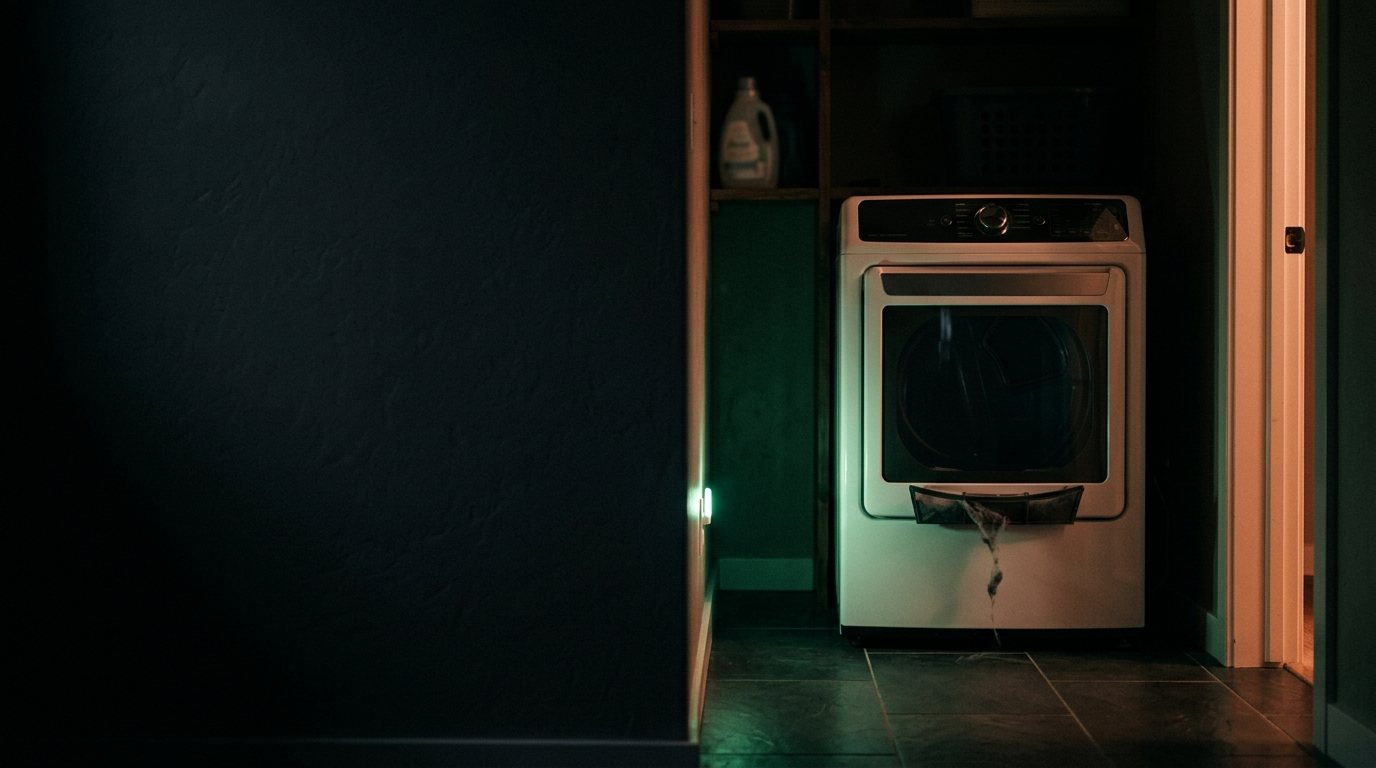
Samsung Dryer: Not Working at All
Usually a blown thermal fuse, a tripped thermal cutoff, or a failed start switch. Add a photo of your Samsung Dryer in the box below: the Triage Profile says what it is, how urgent it is, and who to call.
Show us the dryer.
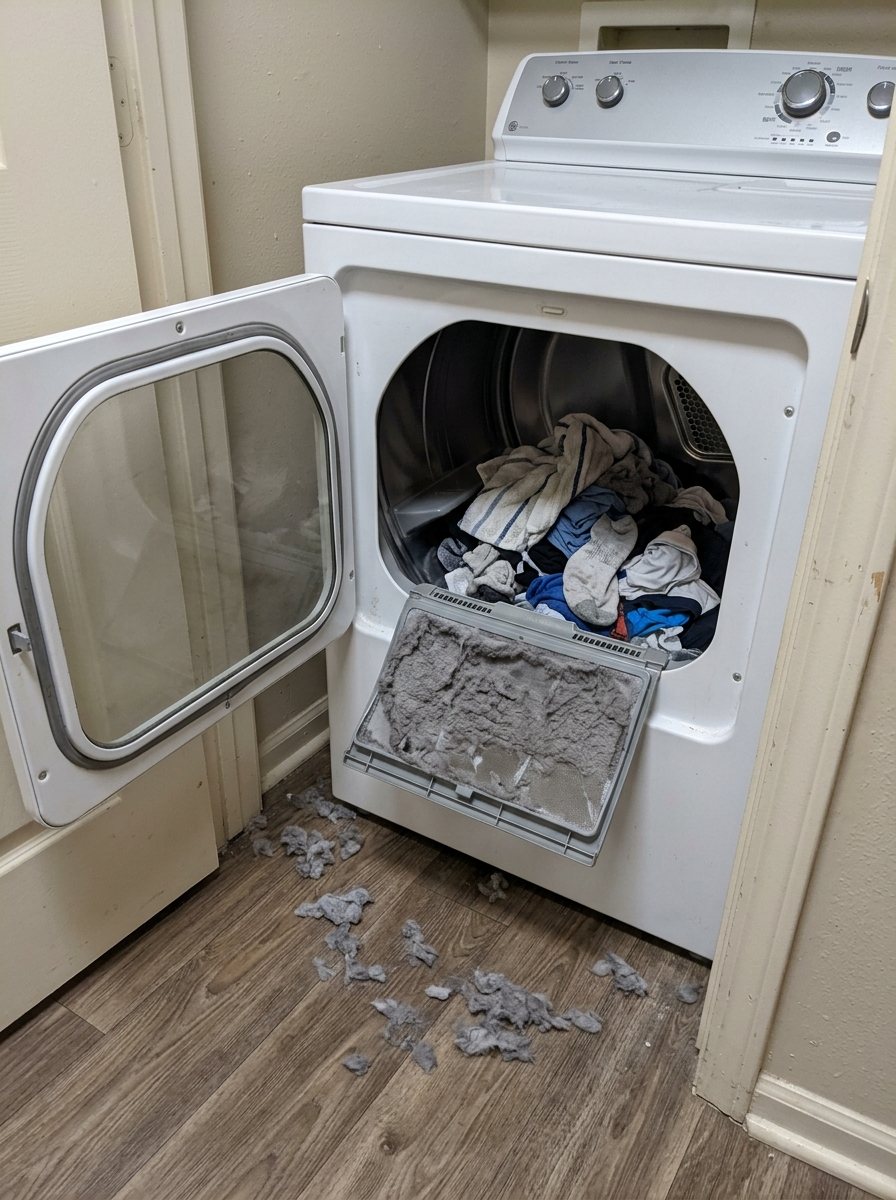
Snap a photo — see what it is, how urgent, who to call. One photo of the problem. fixRAgent reads it and gives you a Triage Profile.
Or start with a sentence
AR Logic LLC · Privacy · Managing this for someone else? There is a version of this for whole portfolios. Managers: set it up for your buildings →
In the next five minutes
Safe first steps, before the call. Nothing here needs a tool.
If you smell gas: don’t touch any switch or plug, leave, then call the gas company or 911 from outside.
No gas smell? Stop the dryer and switch off its breaker, or unplug it if the plug is dry and you can reach it without moving the dryer.
Take a photo of the dryer and any code on the display, without opening anything.
Everything else about this problem
Is it an emergency?
Is a Samsung dryer that isn't working an emergency?
Rarely an emergency. Check power first: the plug, the breaker and any GFCI outlet. Stop and call a pro if it smells like burning, trips the breaker again, or runs on gas and you smell gas.
Symptoms & causes
If your Samsung dryer is completely unresponsive, with no lights, sounds, or drum movement, the primary symptom is a total lack of power. This often points to an electrical issue, such as a tripped circuit breaker, a faulty power cord, or a blown thermal fuse. Less commonly, a defective main control board or door switch could prevent any power from reaching the dryer's components.
Tools & parts
You will likely need a multimeter to test for continuity and voltage, which can be purchased. A Samsung-compatible replacement thermal fuse, a common culprit for no power, may be needed. If the issue is a faulty door switch, a new one can be acquired.
Safety first
Always disconnect the dryer from its power source by unplugging it or shutting off the dedicated circuit breaker before performing any inspections or repairs. For gas dryers, also turn off the gas supply valve to prevent any potential gas leaks during servicing. Be mindful of sharp edges inside the dryer and wear appropriate gloves to avoid cuts.
When to call a pro
A professional technician should be called if the main control board is suspected to be faulty. Complex wiring harness failures or issues with the main drive motor, which can be expensive and difficult to access, also warrant professional intervention. If you've checked all common power sources and fuses and the dryer remains unresponsive, it's best to consult a Samsung-certified repair expert.
Questions people ask
Why would my Samsung dryer suddenly have no power at all?
The most common reasons for a complete power loss are a tripped circuit breaker, a faulty power cord, or a blown thermal fuse. These components are designed to protect the appliance and your home from electrical overloads.
Can a faulty door switch cause my Samsung dryer to have no power?
Yes, a defective door switch can prevent the dryer from starting or receiving power, as it's a critical safety interlock. If the dryer doesn't detect the door as closed, it will not allow any operations to begin.
What is a thermal fuse and how does it affect power?
A thermal fuse is a safety device designed to blow and cut off power to the dryer if it overheats, preventing a fire hazard. Once it blows, it must be replaced, and the underlying cause of overheating (often a clogged vent) should be addressed.
Related problems
More Samsung dryer problems
Check another symptom for your Samsung Dryer.
Not working: other brands
Guides and hubs
A resident sent you this?
fixRAgent reads resident photos for whole portfolios: what it is, how urgent, who to send, what to tell them.
Set it up for your buildings →Ask AI about this problem

What it is, how urgent, who to call
Add a photo of your Samsung Dryer in the box at the top. The Triage Profile says what it is, how urgent it is, and who to call.