

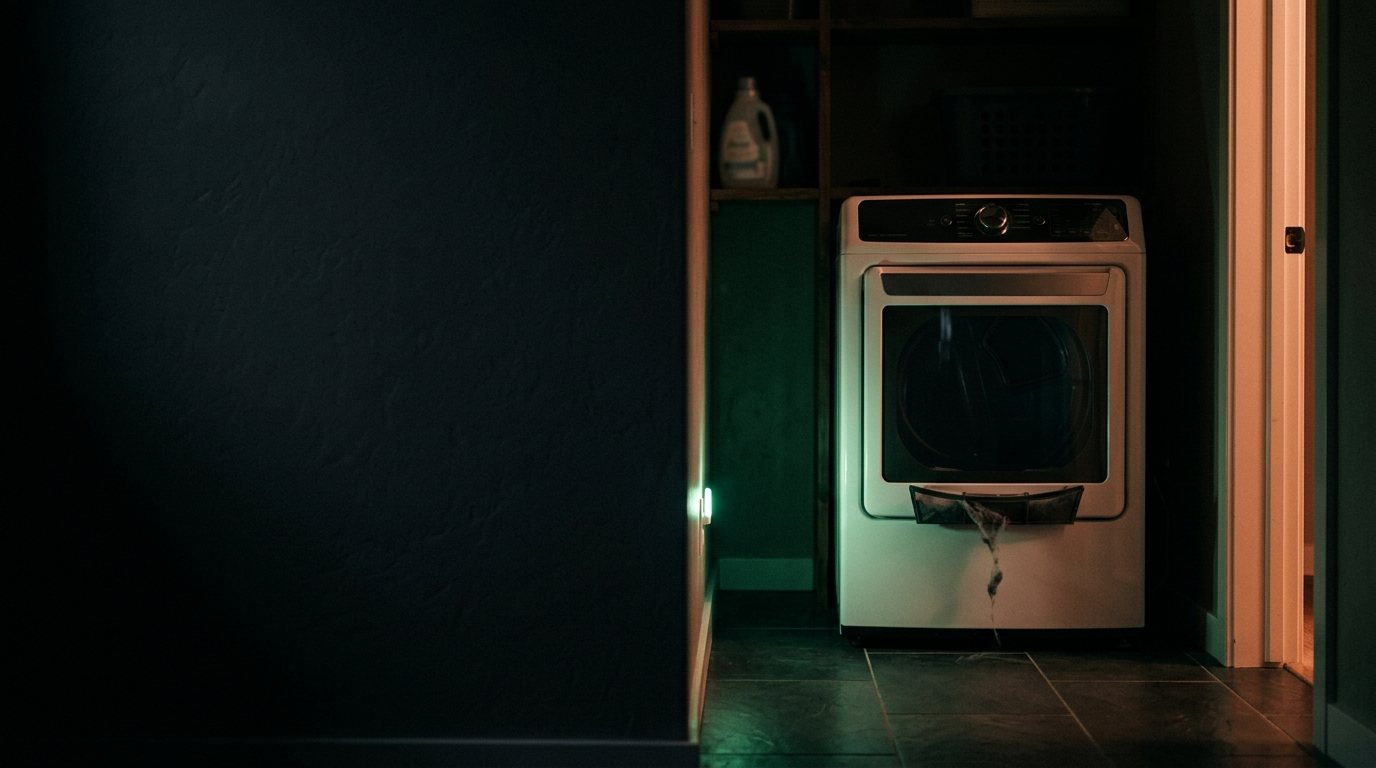
Hotpoint Dryer: Not Working at All
Usually a blown thermal fuse, a tripped thermal cutoff, or a failed start switch. Add a photo of your Hotpoint Dryer in the box below: the Triage Profile says what it is, how urgent it is, and who to call.
Show us the dryer.
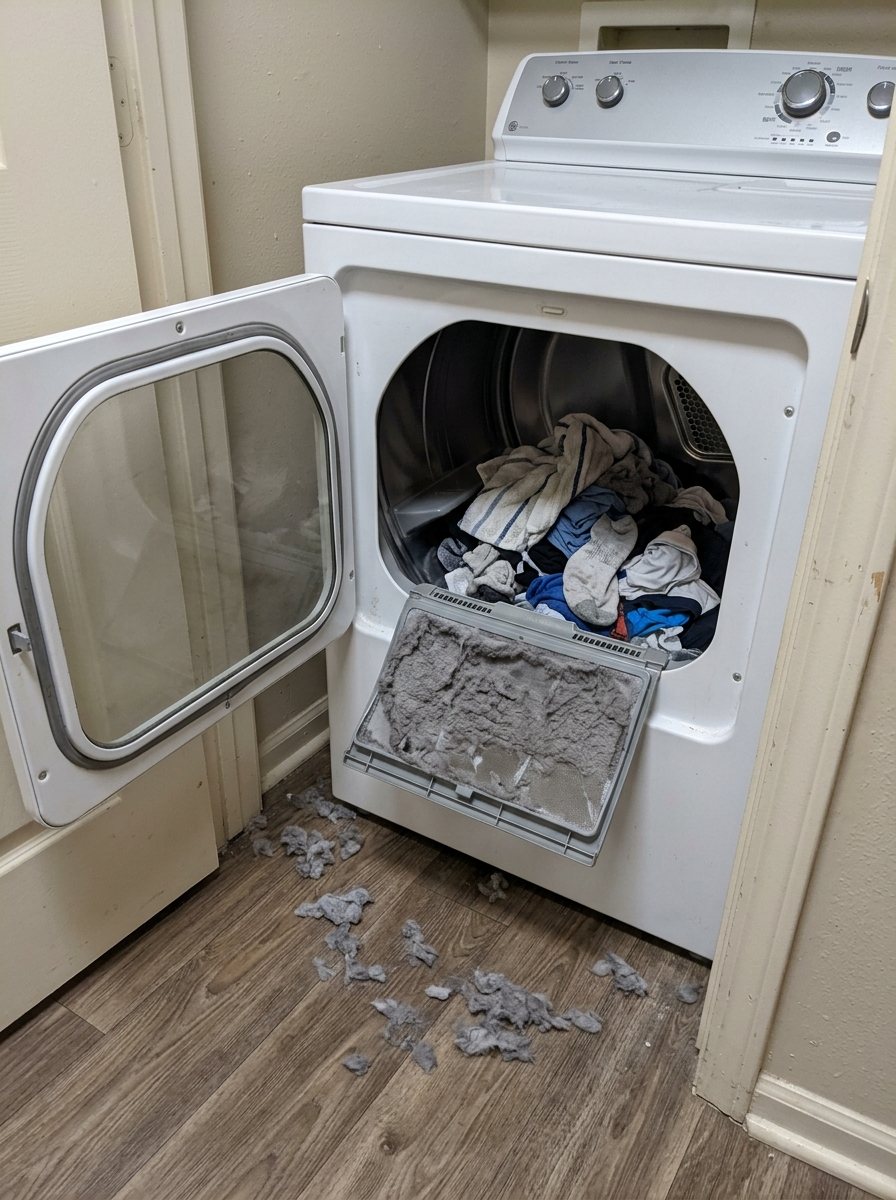
Snap a photo — see what it is, how urgent, who to call. One photo of the problem. fixRAgent reads it and gives you a Triage Profile.
Or start with a sentence
AR Logic LLC · Privacy · Managing this for someone else? There is a version of this for whole portfolios. Managers: set it up for your buildings →
In the next five minutes
Safe first steps, before the call. Nothing here needs a tool.
If you smell gas: don’t touch any switch or plug, leave, then call the gas company or 911 from outside.
No gas smell? Stop the dryer and switch off its breaker, or unplug it if the plug is dry and you can reach it without moving the dryer.
Take a photo of the dryer and any code on the display, without opening anything.
Everything else about this problem
Is it an emergency?
Is a Hotpoint dryer that isn't working an emergency?
Rarely an emergency. Check power first: the plug, the breaker and any GFCI outlet. Stop and call a pro if it smells like burning, trips the breaker again, or runs on gas and you smell gas.
Symptoms & causes
When your Hotpoint dryer is not working at all, it means there are no lights, no hum, and no response when pressing the start button. This often points to a complete interruption of the electrical supply to the unit. Common root causes include a tripped circuit breaker, a faulty power outlet, or an internal electrical component failure such as a blown thermal fuse or a defective door switch preventing any operation.
Tools & parts
You will need basic tools like a Phillips head screwdriver, a flathead screwdriver, and a multimeter to test electrical continuity and voltage. Specific Hotpoint dryer parts that might need replacement include a thermal fuse or a door switch. A replacement power cord may be needed if damaged.
Safety first
Always disconnect the dryer from its power source by unplugging it or shutting off the dedicated circuit breaker before performing any inspections or repairs. Be aware of electrical shock hazards when working with wiring and components, even after power is off, as capacitors can store a charge. Wear appropriate safety gear, such as work gloves, and avoid touching live wires or terminals.
When to call a pro
A professional technician should be called if the dryer's main motor is humming but not spinning, indicating a potential motor failure or seized drum. Complex control board malfunctions, where the board itself is unresponsive or displaying error codes despite power, also warrant expert intervention. If you've checked all basic power and safety components and are uncomfortable with further electrical tests or wiring, it's best to consult a qualified appliance repair technician.
Questions people ask
What is the very first thing I should check if my Hotpoint dryer isn't working at all?
The absolute first step is to check your home's circuit breaker panel to ensure the dryer's breaker hasn't tripped. Also, verify that the wall outlet is supplying power by testing it with another appliance or a voltage tester.
Can a faulty door switch really prevent a Hotpoint dryer from doing anything at all?
Yes, a faulty door switch is a common culprit for a completely dead dryer. It's a critical safety mechanism designed to prevent the dryer from operating when the door is open, and if it fails in the 'open' position, the dryer won't start.
Is replacing a thermal fuse on a Hotpoint dryer a difficult repair for a DIYer?
Replacing a thermal fuse is generally considered a straightforward repair for someone with basic DIY skills and tools. The fuse is typically located on the blower housing or heating element assembly and can be tested for continuity with a multimeter.
Related problems
More Hotpoint dryer problems
Check another symptom for your Hotpoint Dryer.
Not working: other brands
Guides and hubs
A resident sent you this?
fixRAgent reads resident photos for whole portfolios: what it is, how urgent, who to send, what to tell them.
Set it up for your buildings →Ask AI about this problem

What it is, how urgent, who to call
Add a photo of your Hotpoint Dryer in the box at the top. The Triage Profile says what it is, how urgent it is, and who to call.