

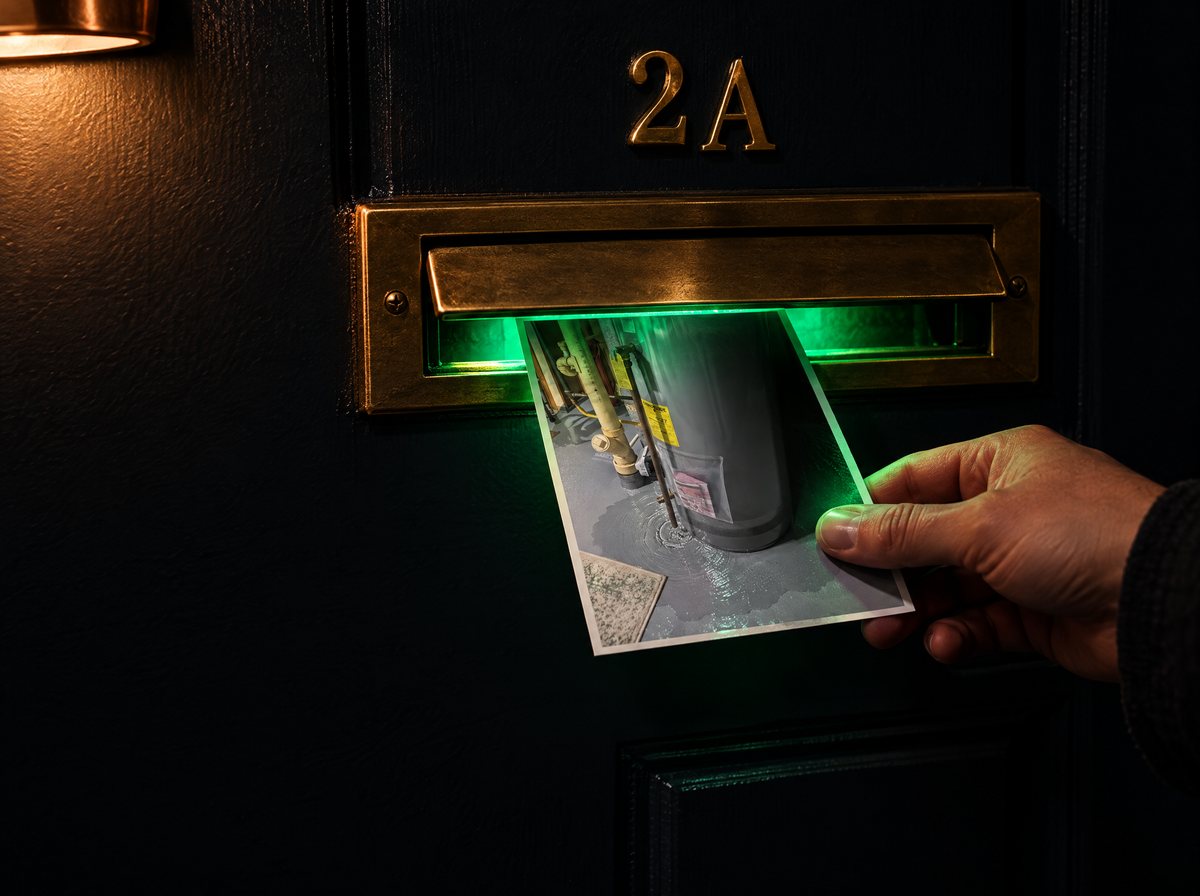
By email. Any photo mailed to photo@intake.fixragent.com comes back as a Triage Profile by email.
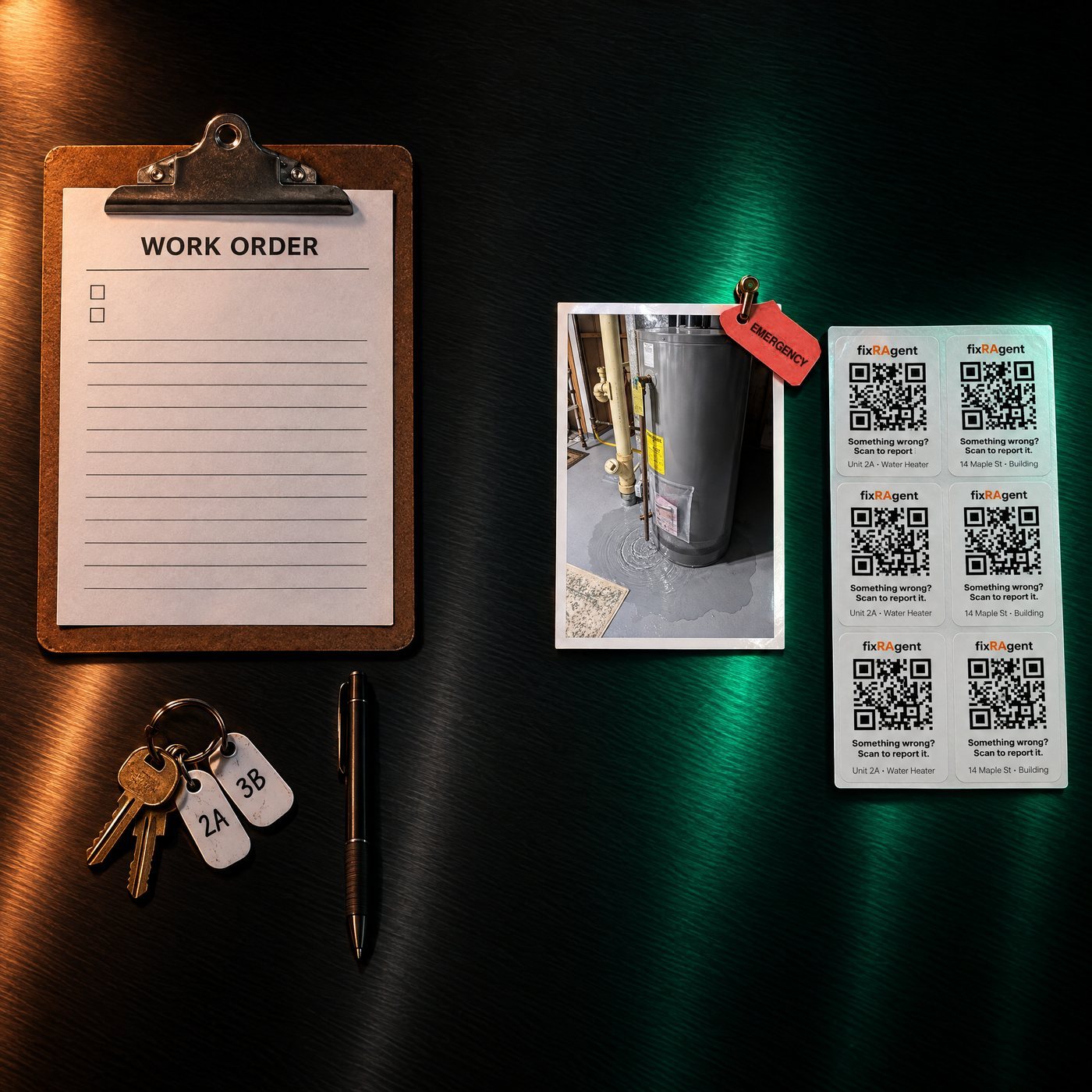
fixRAgent has no Property Meld integration. It works beside Property Meld: a resident sends a photo to fixRAgent, you read the Triage Profile (what it is, how urgent, which trade, what to tell the resident), and you copy its link or its fields into the work order in Property Meld the way you open work orders now.
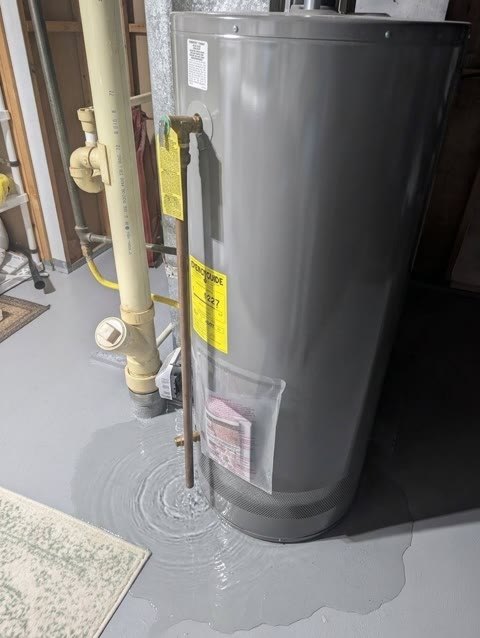 Try it on a resident photoSend one photo. See what it is, how urgent, who to call and what to tell the resident.
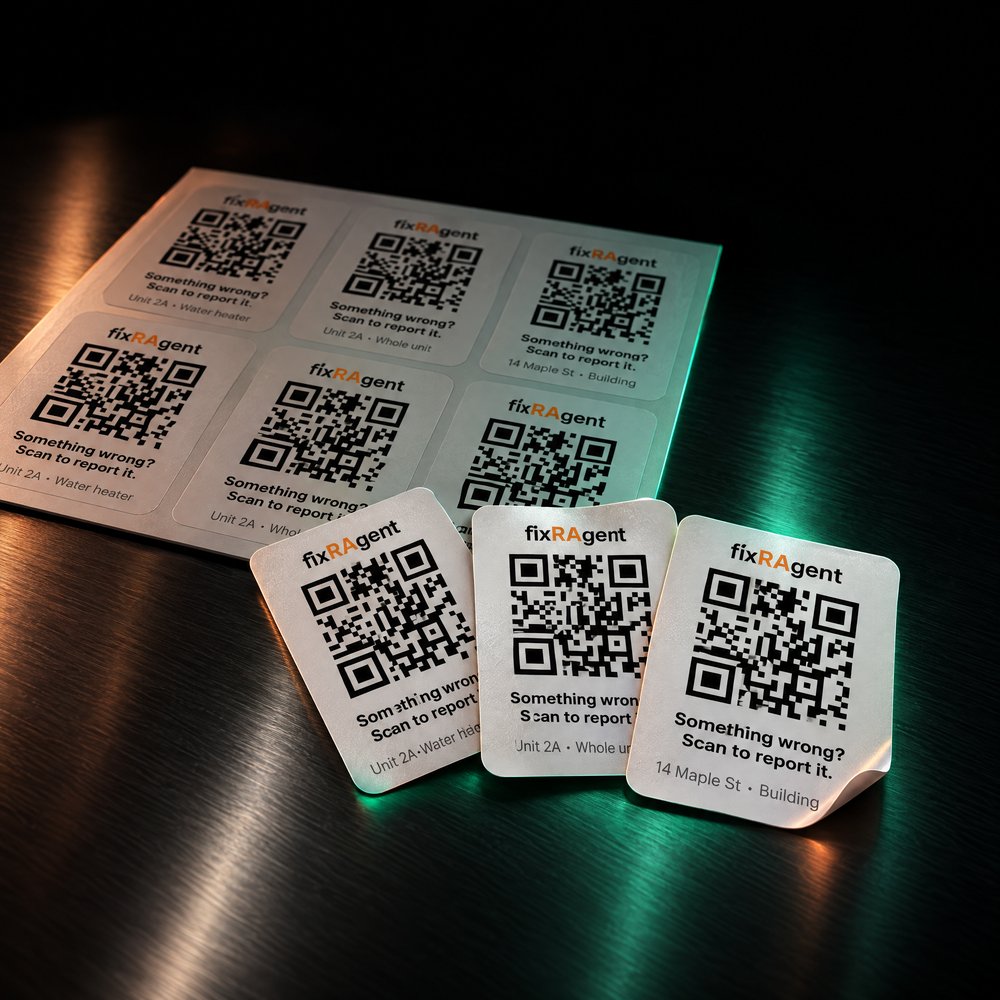 STEP 1
Set up your buildings: your unit list becomes printable QR stickers, one for each piece of equipment, each unit and each building.
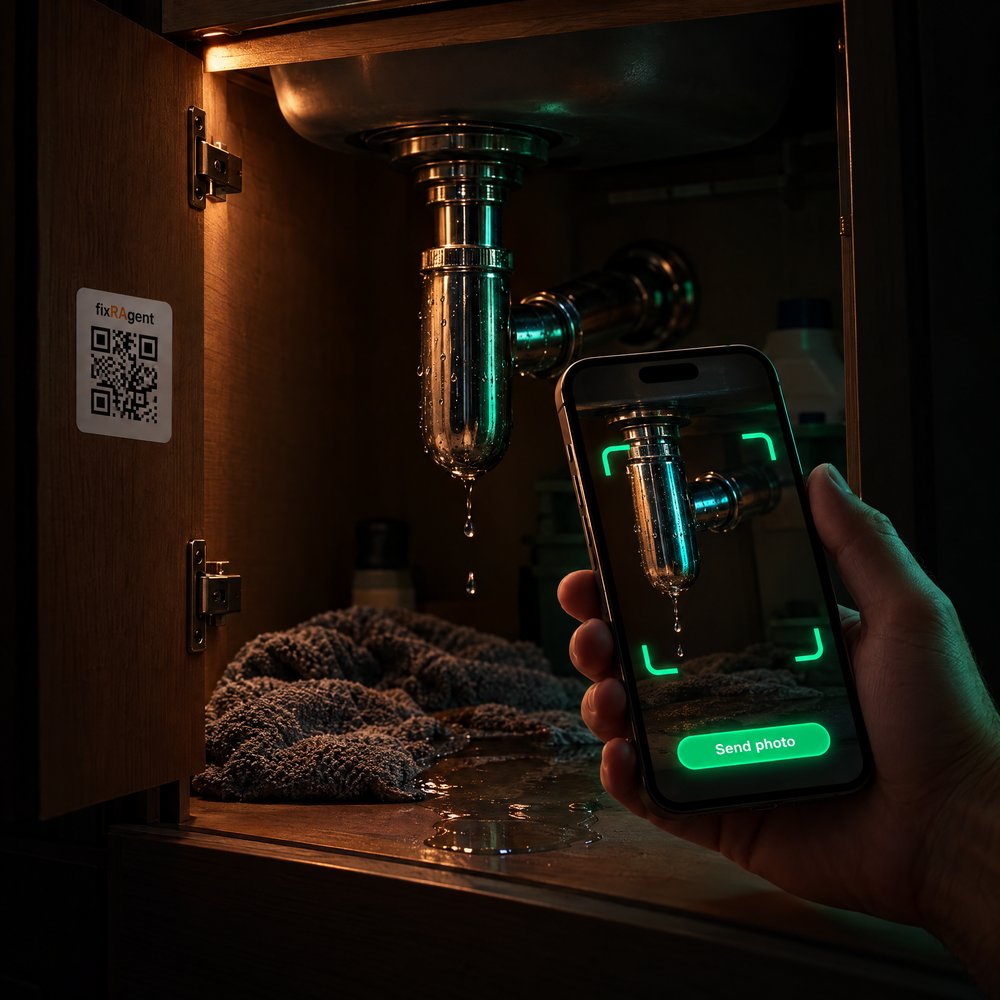 STEP 2
A resident scans the sticker and sends a photo. No app, no login.
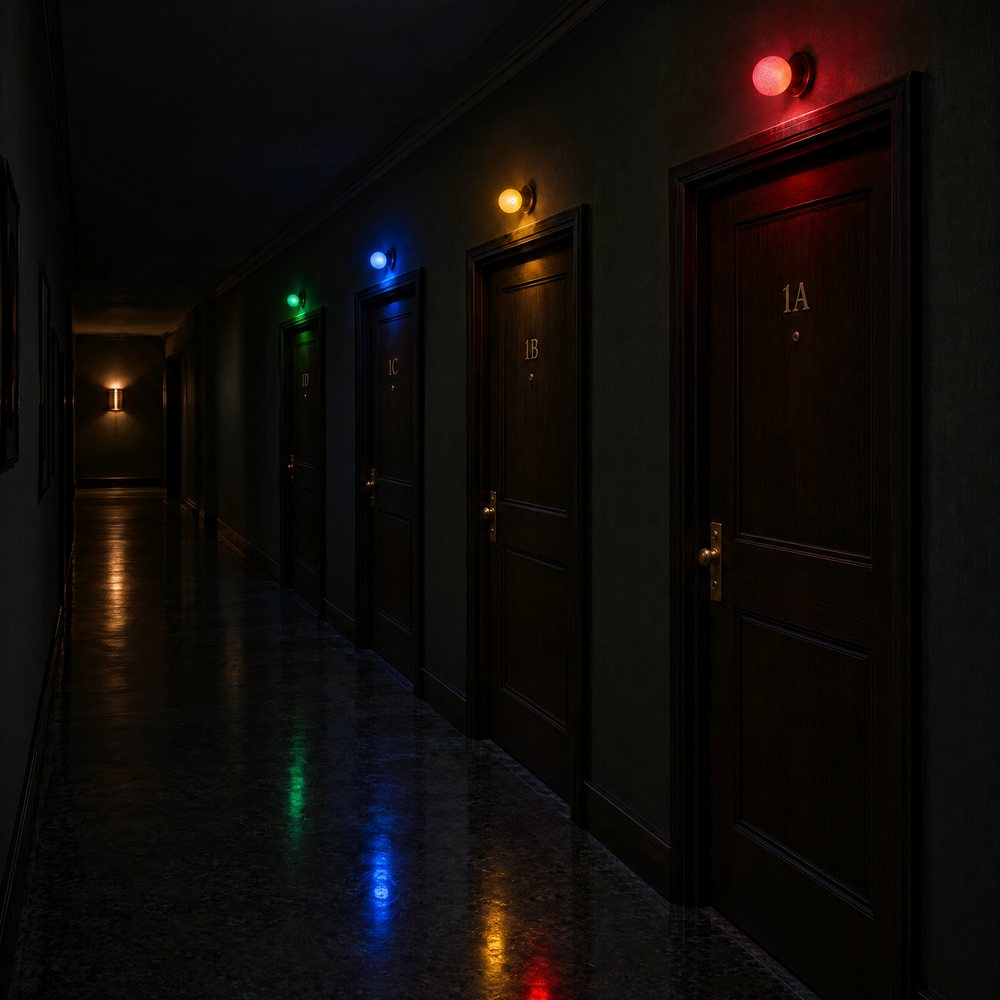 STEP 3
The report lands in your queue at fixragent.com/pm-queue, worst first. EMERGENCY and TODAY email you right away; the rest come in one morning email.
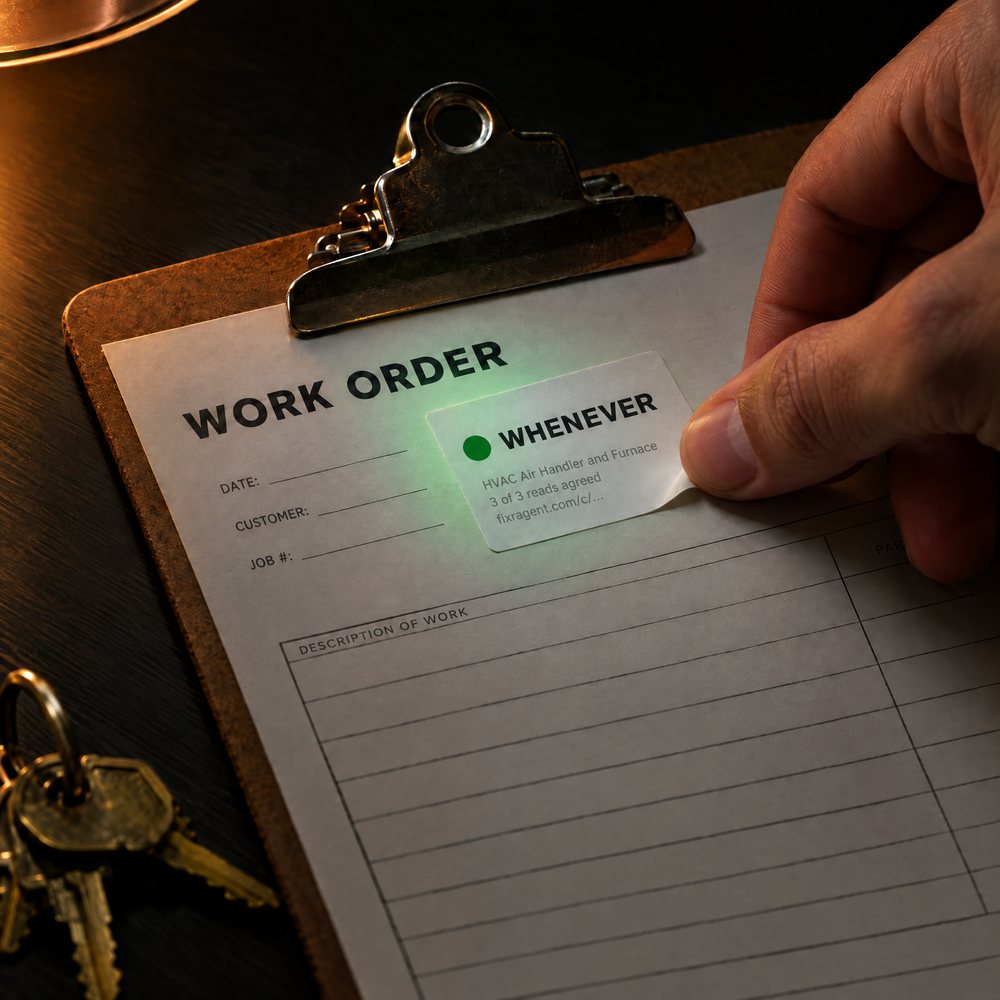 STEP 4
Open the job in fixRAgent, copy the Triage Profile link or its fields, and paste them into the work order in Property Meld. Assign the vendor in Property Meld as you do now.
Two more doors work the same way beside Property Meld:
By email. Any photo mailed to photo@intake.fixragent.com comes back as a Triage Profile by email.
By API. POST a photo to https://fixragent.com/api/triage and the reply is one fixed JSON shape every time, which your developer maps to your own work-order fields. The API page has the fields and the demo key.
A Triage Profile reduces to a few lines a work order can carry. This is fixRAgent's stored sample, a photo of an HVAC air handler and furnace from fixRAgent's test set, read on 13 September 2026:
The link opens the full Triage Profile, with the resident's photo, for anyone you send it to: a technician, an owner or the resident.

fixRAgent has no integration with Property Meld. It does not read your units, residents or work orders from Property Meld, and it does not write into Property Meld.

fixRAgent has no partnership with Property Meld, no Property Meld marketplace listing and no Property Meld certification.

It works beside Buildium the same way: you read the answer and open the work order there the way you do now (Buildium maintenance intake).
Property Meld calls a work order a Meld. Paste the Triage Profile link or its fields into the Meld the way you would paste any note. If you work at Property Meld and anything on this page about your product is wrong, or you would like it said differently, write to support@fixragent.com and we will change it.
No. fixRAgent has no integration with Property Meld: it reads nothing from Property Meld and writes nothing into it. It works beside Property Meld today: a resident sends a photo to fixRAgent from a QR sticker or by email, you read the Triage Profile, and you copy its link or its fields into the work order you open in Property Meld.
No. fixRAgent has no partnership with Property Meld, no listing in any Property Meld marketplace and no Property Meld certification. It is made by AR Logic LLC and is not a Property Meld product.
You put it there. Each Triage Profile has its own link and a few short fields: what it is, one of four urgency words (EMERGENCY, TODAY, THIS WEEK, WHENEVER), the trade to call and a line to say to the resident. Paste the link or the fields into the work order in Property Meld. A developer can instead call the fixRAgent API, which answers in one fixed JSON shape, and map it to your own fields.
No app and no login. The resident scans the QR sticker you printed for their unit, a piece of equipment or the building, sends a photo, and the report lands in your fixRAgent queue. A photo emailed to photo@intake.fixragent.com comes back as a Triage Profile by email.
No. Nothing is read from or written into Property Meld, so your Property Meld plan makes no difference to fixRAgent.

Your unit list becomes printable QR stickers that feed one queue. Your work orders stay where they are.
Published by fixRAgent (AR Logic LLC). Updated 14 October 2026.
Ask AI about fixRAgent
Stuck, or something on the Triage Profile looks wrong? Write to support@fixragent.com. A founder reads every message and replies within one business day.

