

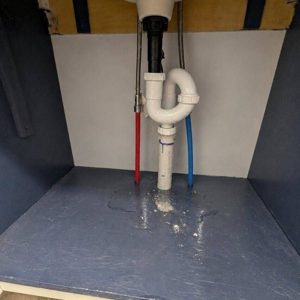
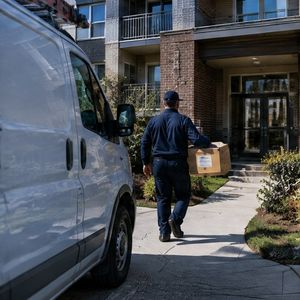


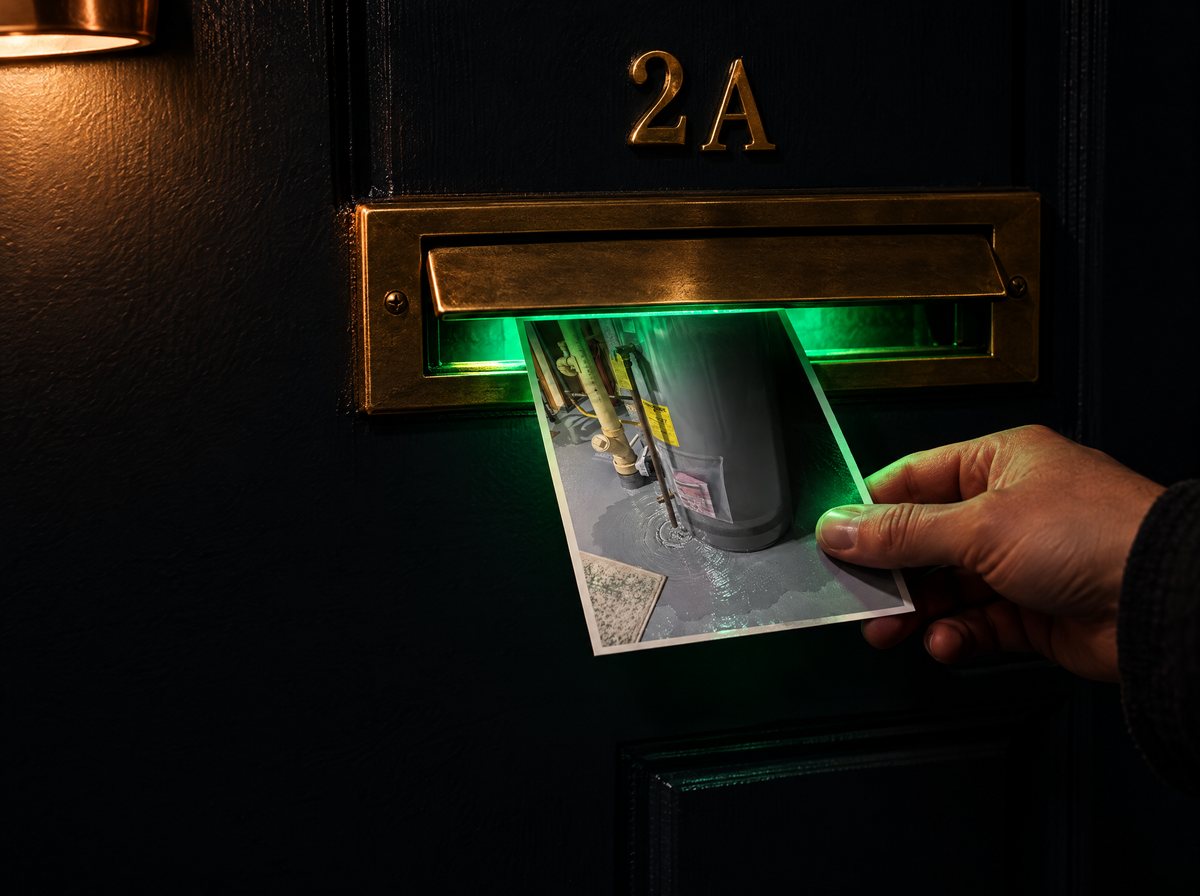
By email. Any photo mailed to photo@intake.fixragent.com comes back as a Triage Profile by email.
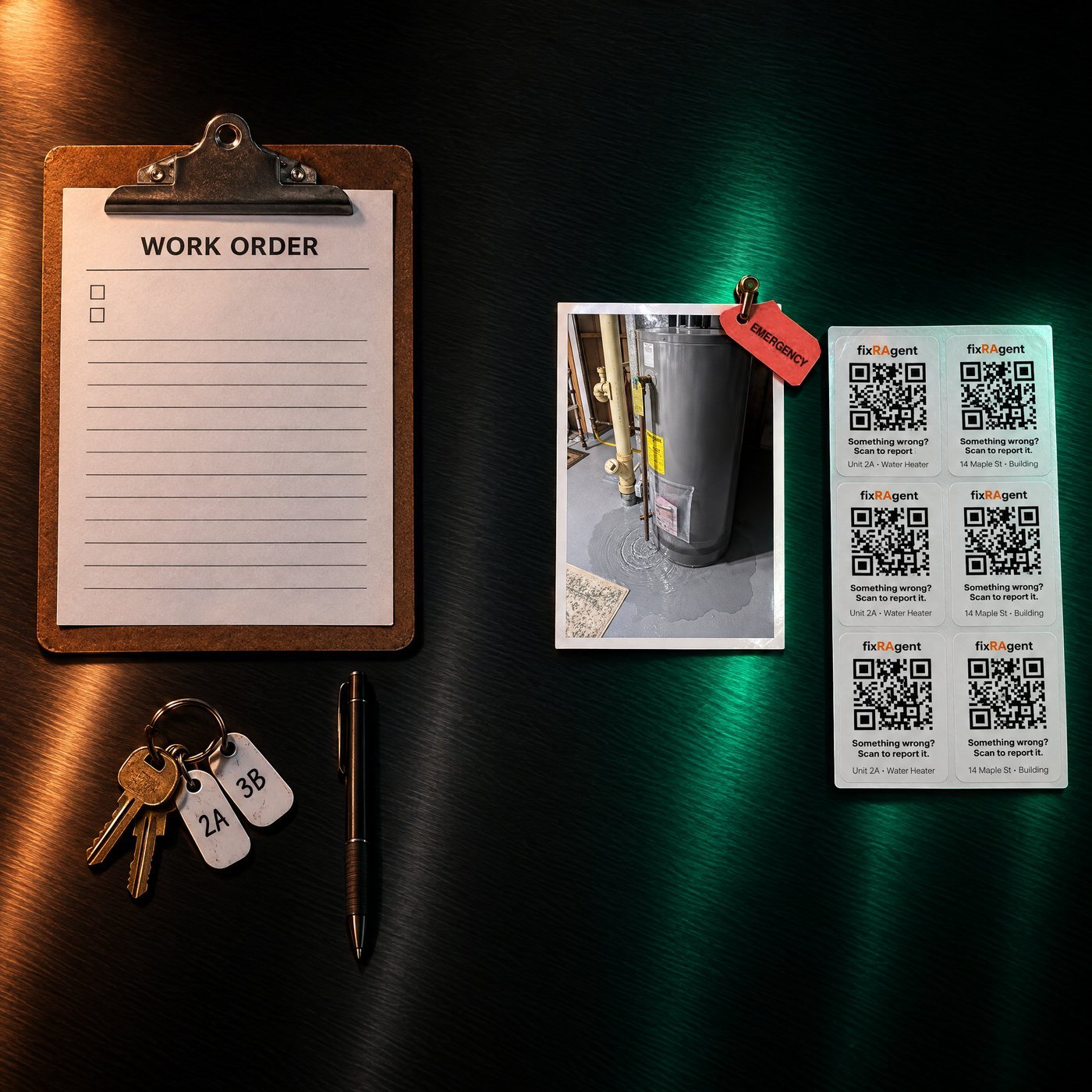
fixRAgent works beside Propertyware. It sits next to Propertyware: a resident sends a photo to fixRAgent, you read the Triage Profile (what it is, how urgent, which trade, what to tell the resident), and you copy its link or its fields into the work order in Propertyware the way you open work orders now.
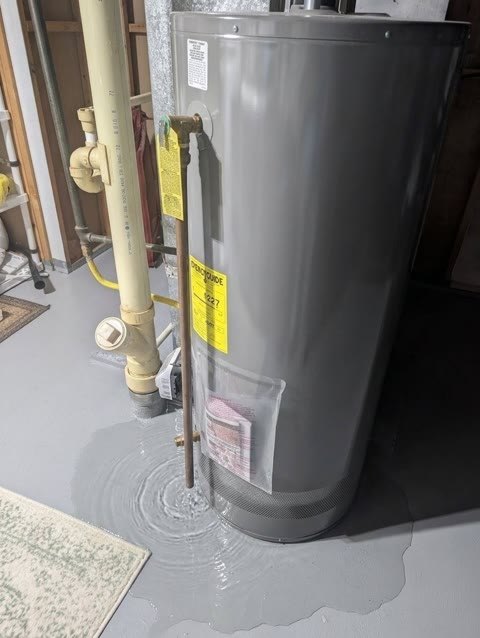 Try it on a resident photoSend one photo. See what it is, how urgent, who to call and what to tell the resident.
 STEP 1
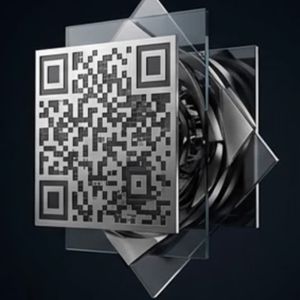
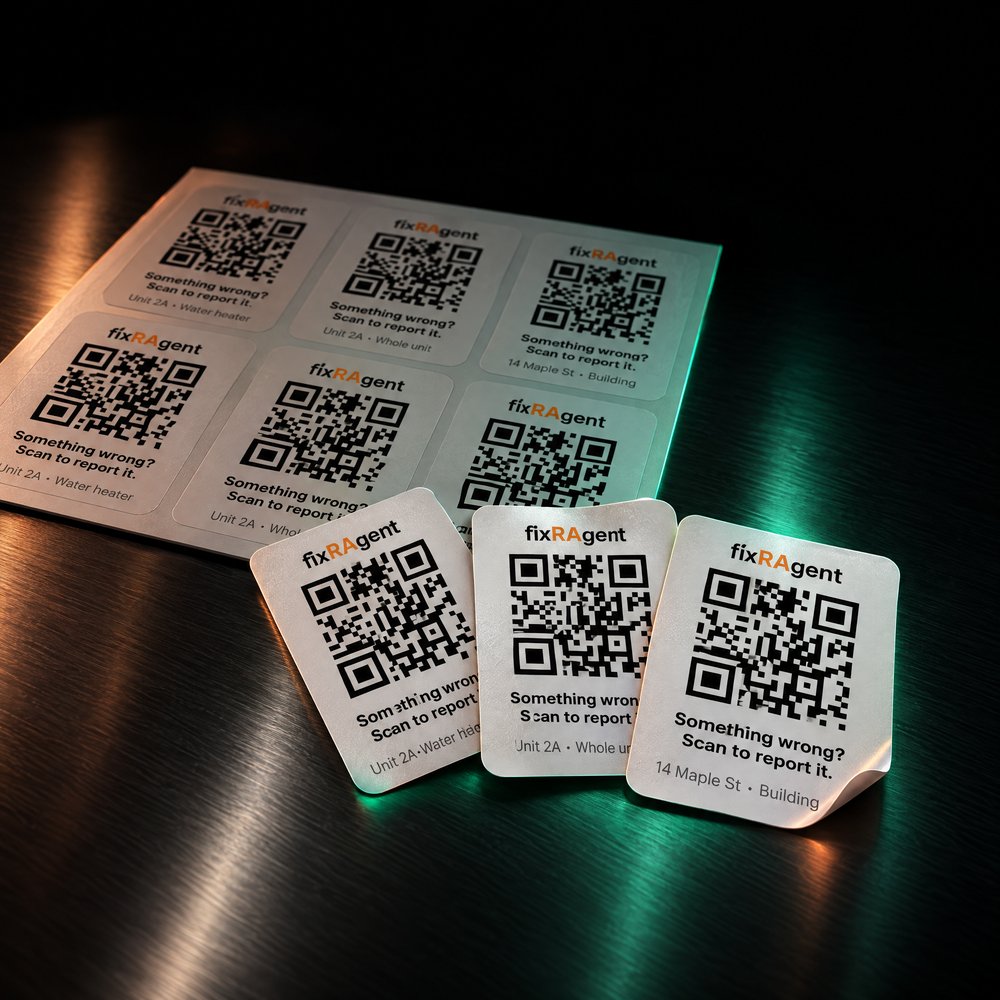
Set up your buildings: your unit list becomes printable QR stickers, one for each piece of equipment, each unit and each building.
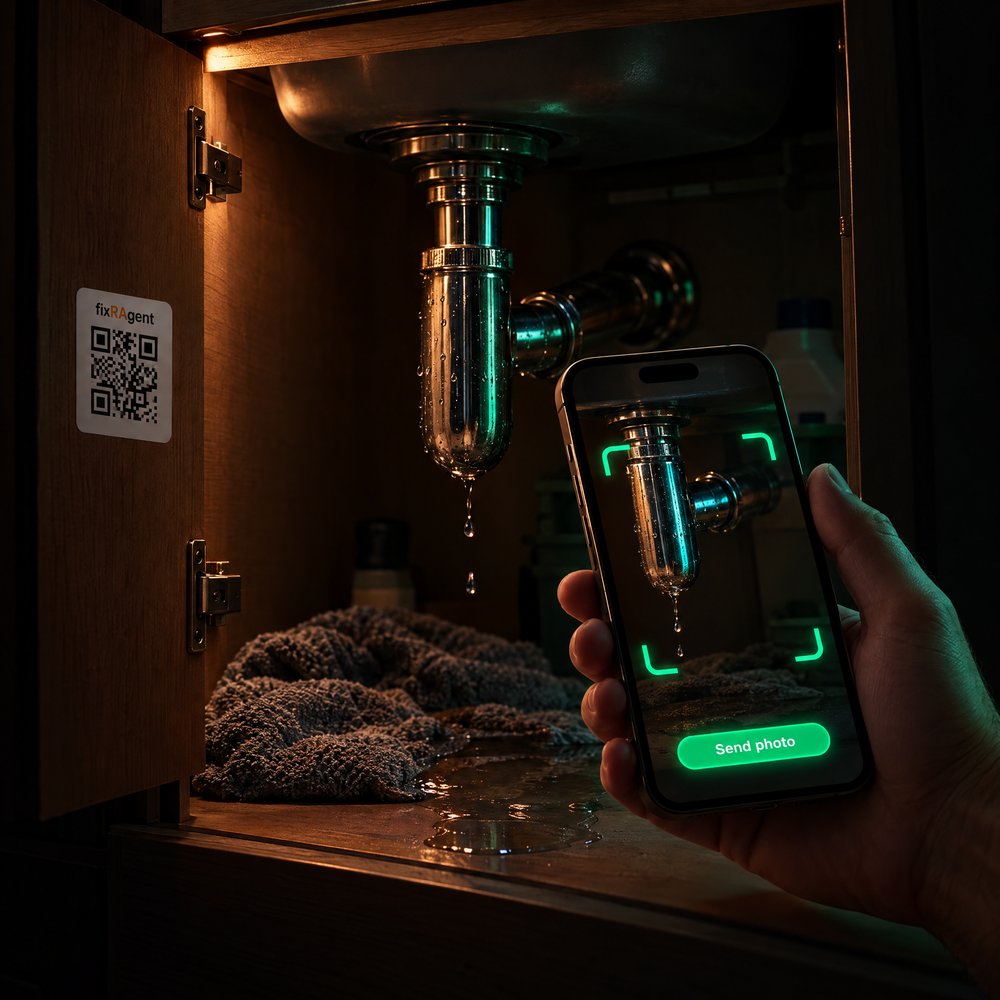 STEP 2
A resident scans the sticker and sends a photo. No app, no login.
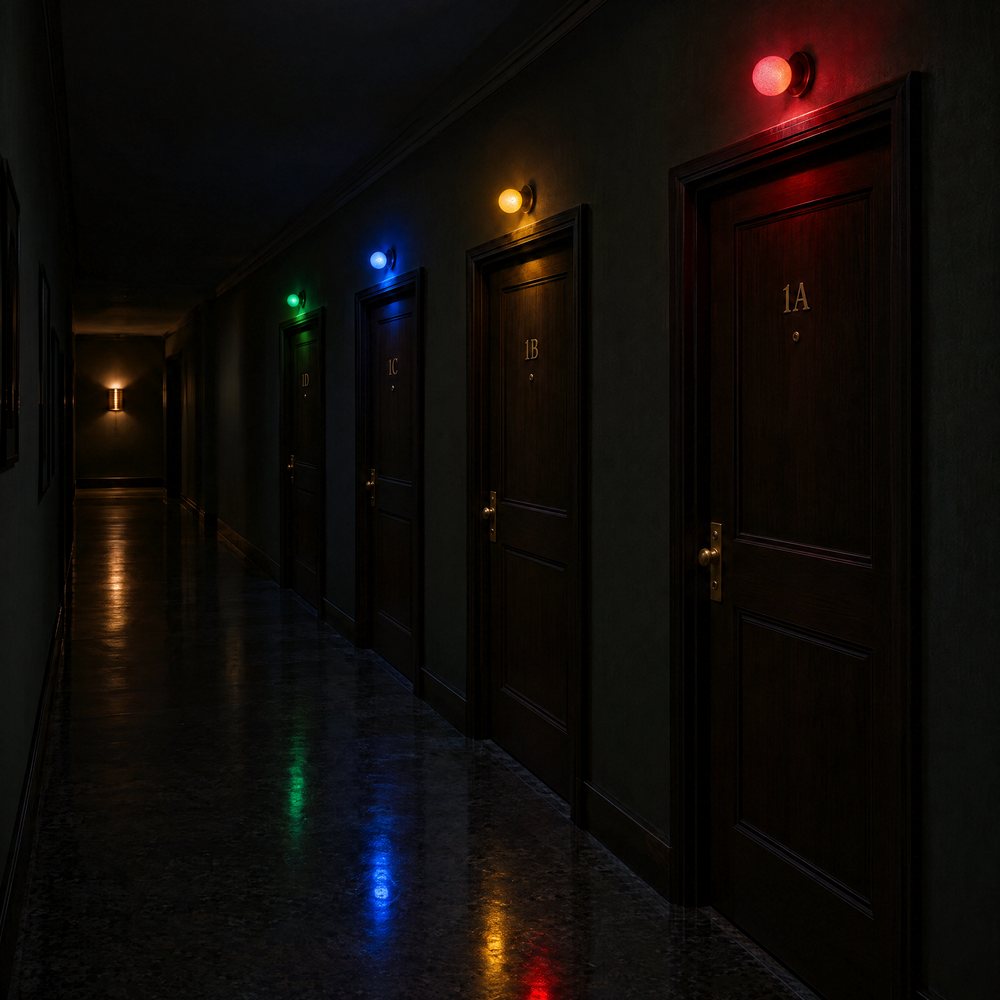 STEP 3
The report lands in your queue at fixragent.com/pm-queue, worst first. EMERGENCY and TODAY email you right away; the rest come in one morning email.
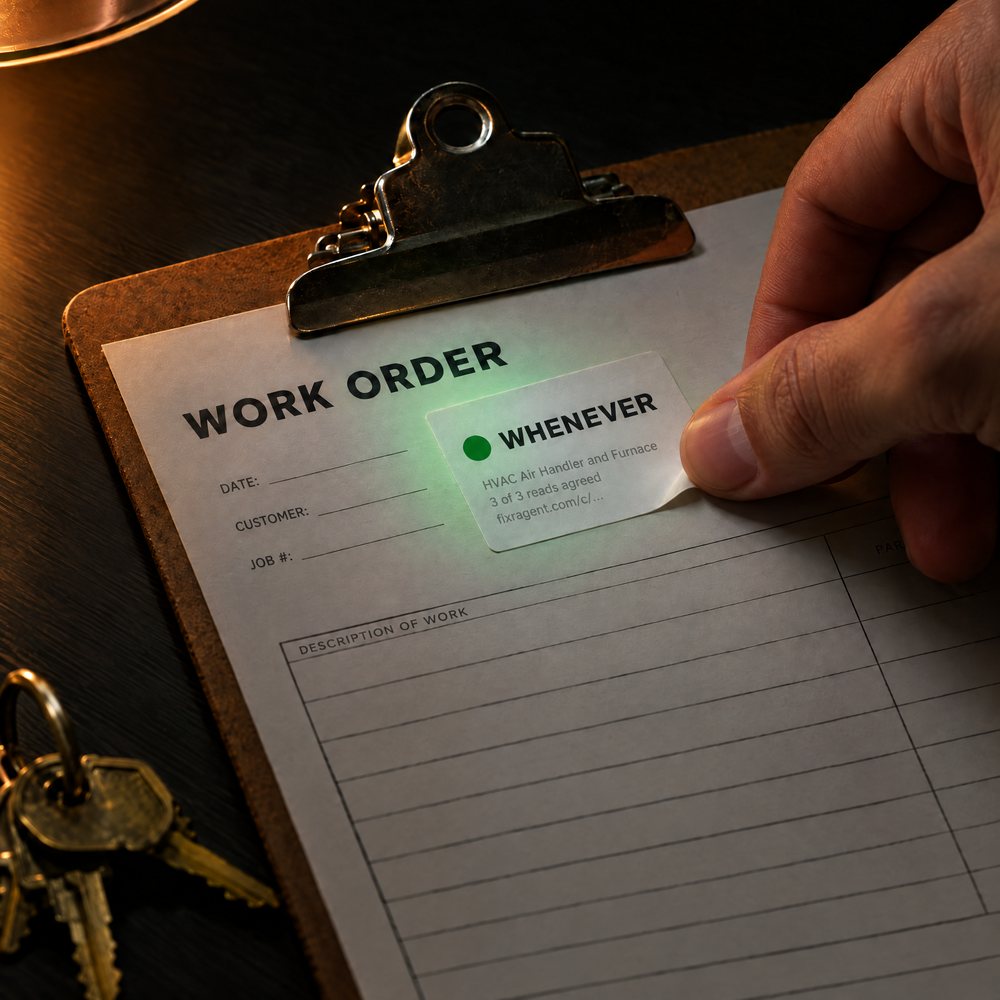 STEP 4
Open the job in fixRAgent, copy the Triage Profile link or its fields, and paste them into the work order in Propertyware. Assign the vendor in Propertyware as you do now.
Two more doors work the same way beside Propertyware:
By email. Any photo mailed to photo@intake.fixragent.com comes back as a Triage Profile by email.
By API. POST a photo to https://fixragent.com/api/triage and the reply is one fixed JSON shape every time, which your developer maps to your own work-order fields. The API page has the fields and the demo key.
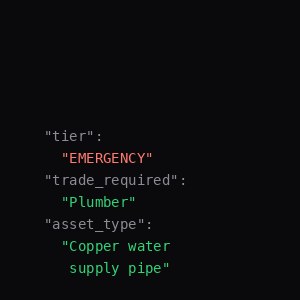
A Triage Profile reduces to a few lines a work order can carry. This is fixRAgent's stored sample, a photo of an HVAC air handler and furnace from fixRAgent's test set, read on 13 September 2026:
The link opens the full Triage Profile, with the resident's photo, for anyone you send it to: a technician, an owner or the resident.
Your units, residents and work orders stay in Propertyware as they are, so there is nothing to move. Want jobs to flow in directly? We build that with you.

fixRAgent is made by AR Logic LLC, independently of Propertyware.

It works beside Buildium the same way: you read the answer and open the work order there the way you do now (Buildium maintenance intake).
Yes, beside Propertyware. A resident sends a photo to fixRAgent from a QR sticker or by email, you read the Triage Profile, and you copy its link or its fields into the work order you open in Propertyware. Nothing in your Propertyware account has to change.
We build that with the teams that want it. Tell us how you run Propertyware and what should flow where, and we work it out with you. Until then the paste takes seconds. fixRAgent is made by AR Logic LLC, independently of Propertyware.
You put it there. Each Triage Profile has its own link and a few short fields: what it is, one of four urgency words (EMERGENCY, TODAY, THIS WEEK, WHENEVER), the trade to call and a line to say to the resident. Paste the link or the fields into the work order in Propertyware. A developer can instead call the fixRAgent API, which answers in one fixed JSON shape, and map it to your own fields.
No app and no login. The resident scans the QR sticker you printed for their unit, a piece of equipment or the building, sends a photo, and the report lands in your fixRAgent queue. A photo emailed to photo@intake.fixragent.com comes back as a Triage Profile by email.
No. fixRAgent works beside any Propertyware plan.

Your unit list becomes printable QR stickers that feed one queue. Your work orders stay where they are.
Published by fixRAgent (AR Logic LLC). Updated 9 October 2026.
Ask AI about fixRAgent
Stuck, or something on the Triage Profile looks wrong? Write to support@fixragent.com. A founder reads every message and replies within one business day.

