

Photo In.
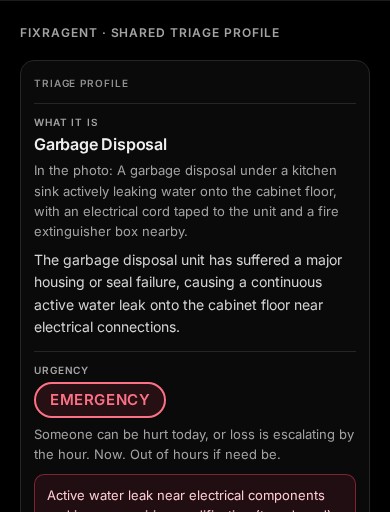
Triage Profile Out.
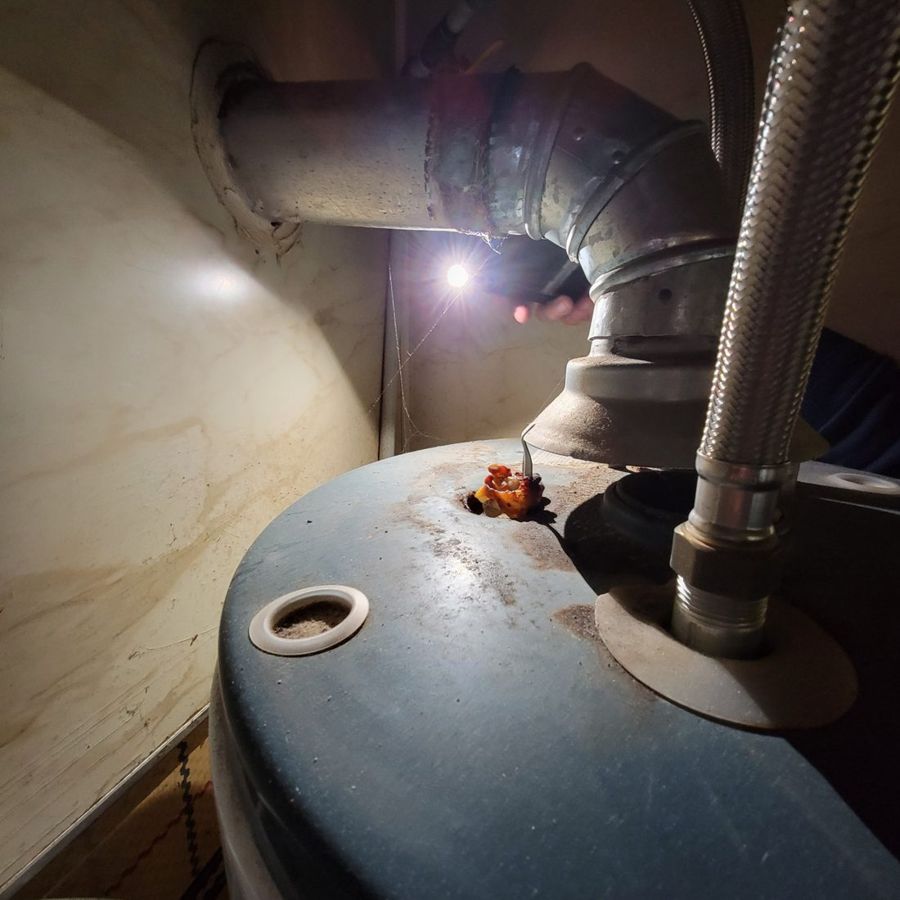 RUST AT THE TOPfixRAgentNew photo from a resident
fixRAgent turns resident maintenance photos into Triage Profiles your team can act on: what it is, how urgent, which trade, what to say.
Or start with a sentence
AR Logic LLC · Privacy
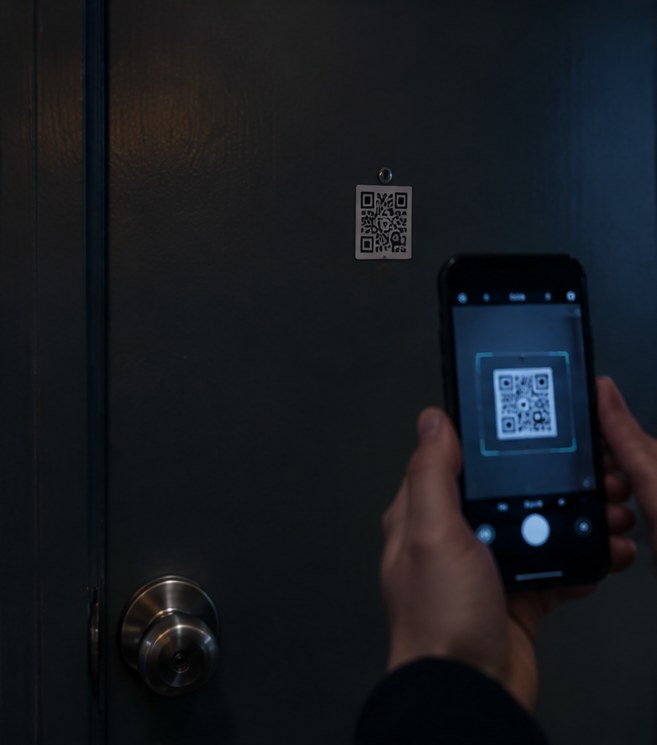 INTAKE ·
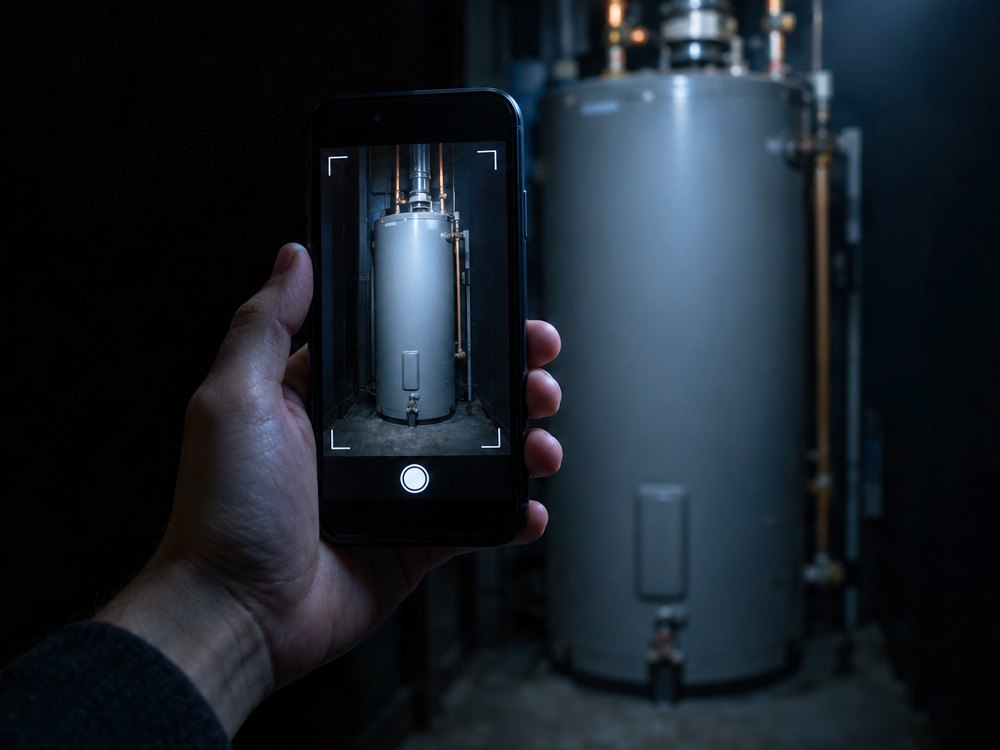 UNIT PHOTO RECEIVED ·
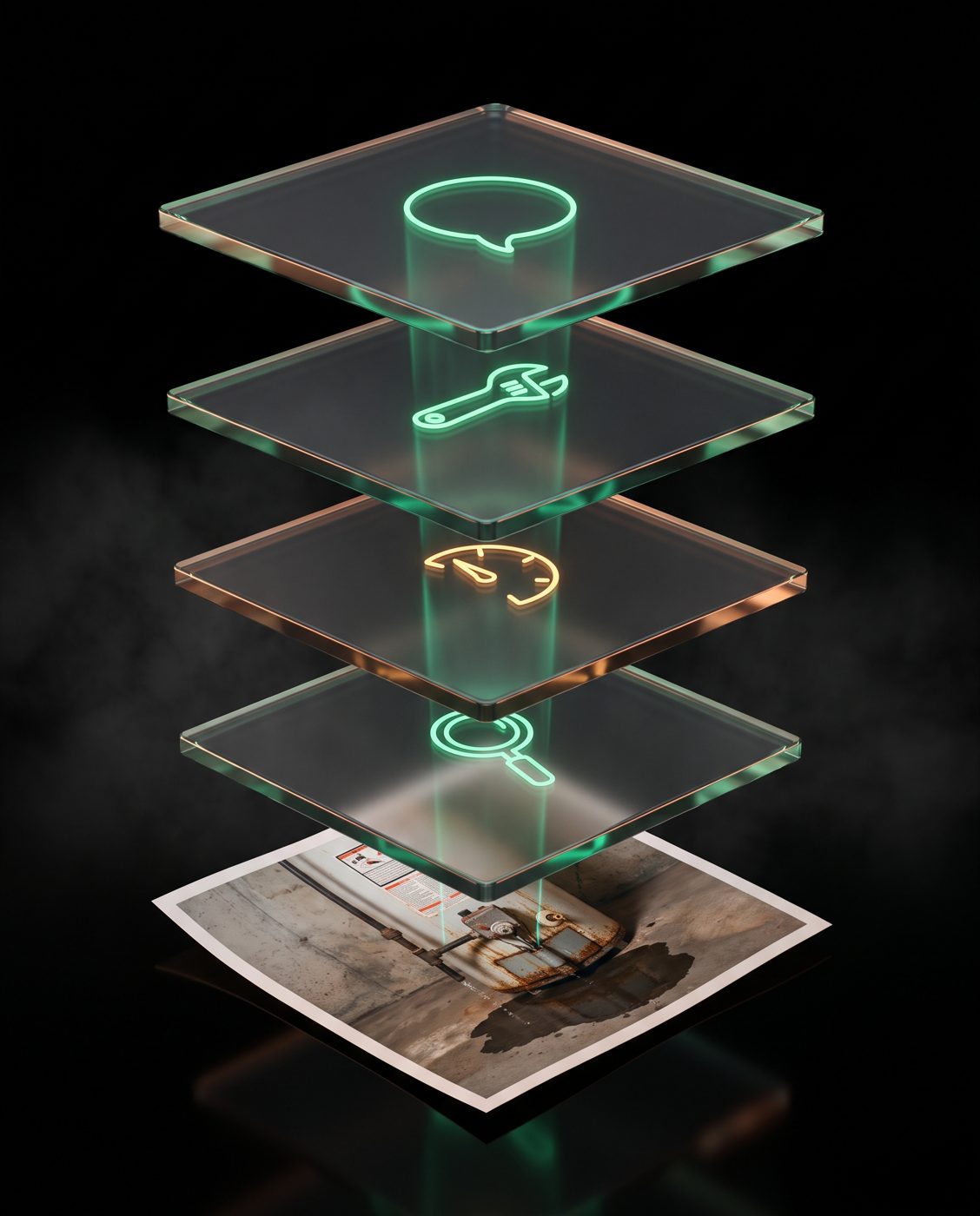 ASSET IDENTIFIED ·
 JOB IN YOUR QUEUE
Watch a Photo Become a Triage Profile.
A resident sends a photo. The system reads it, classifies what it's looking at, ranks how much it matters, and puts the job in your queue — with the reasoning attached.
How It Works
01 · INTAKE
Residents scan a QR in the building. Photo, few words, done. No app.
02 · VERDICT
The system identifies the issue and drafts a structured verdict with its reasoning attached.

03 · QUEUE
Jobs land in your queue, documented from the first second.
Run Maintenance Like You Have the Receipts. Because You Do.

Every asset keeps its history. Every decision keeps its reasoning. When an owner, a resident, or an adjuster asks why — you pull it up.
One Engine. Your Stack.
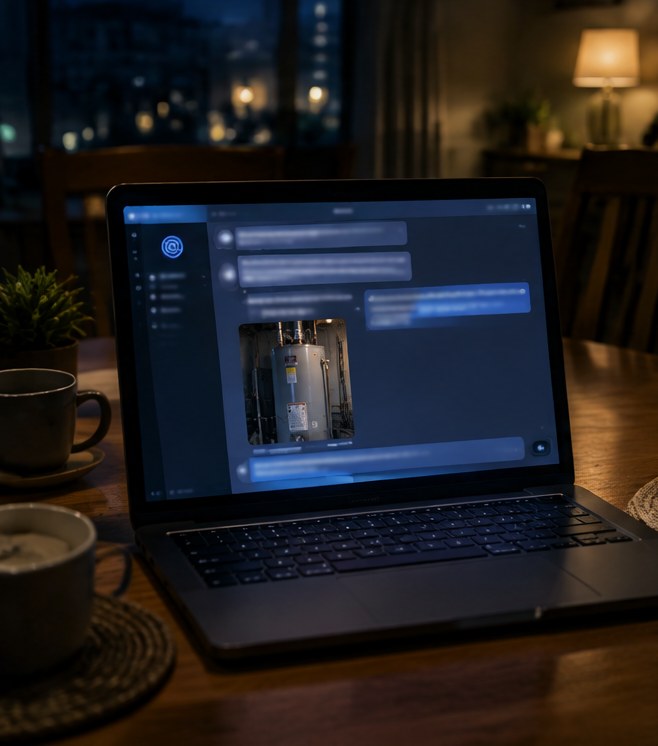
Everything fixRAgent classifies is built to live where your systems live. Send a photo, get a structured, documented verdict back.

Maintenance That Remembers.
EVERY PHOTO. EVERY VERDICT. ON RECORD.