Know what broke before you send anyone.

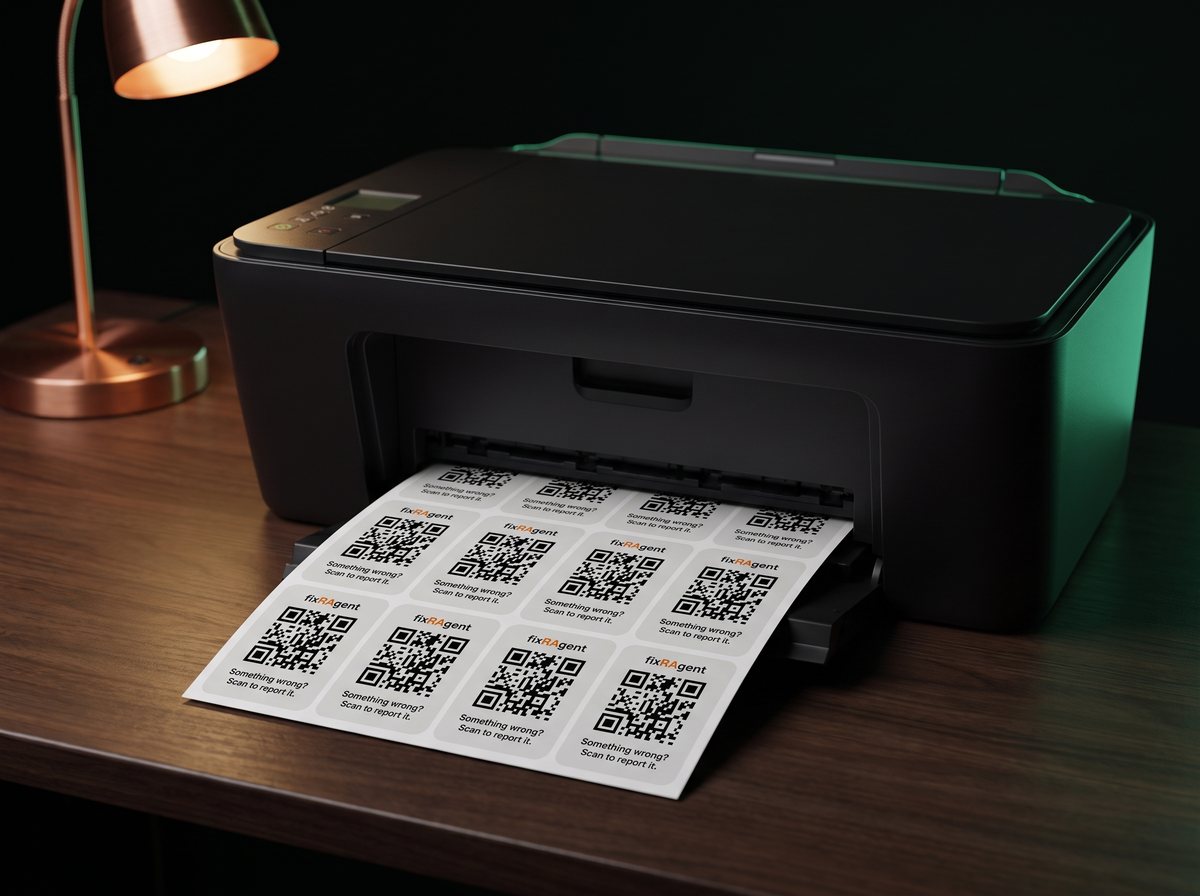
Residents scan a sticker and send a photo. You get what it is, how urgent, which trade, and what to tell them.

First ten managers: 90 days free. No card.
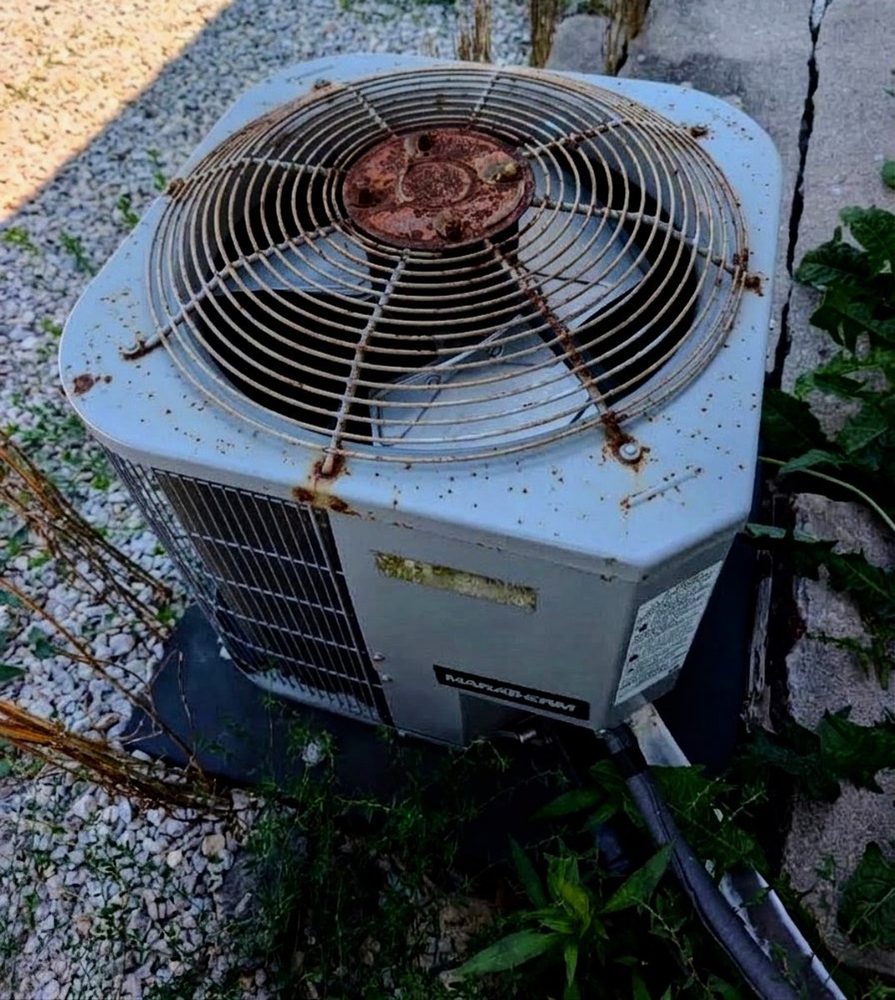
A resident's photo of an outdoor AC unit with heavy rust on the grilleResident's photoRUST ON THE GRILLE
What it is
Outdoor AC unit
How urgent
THIS WEEK
Who to call
HVAC technician
Say this to your resident

“I've had the photo looked at. Your outdoor AC unit needs an HVAC technician, and I'll get one out to you this week and tell you the day.”

A Triage Profile, from the photo on our front page.

Two problems we kept hearing.

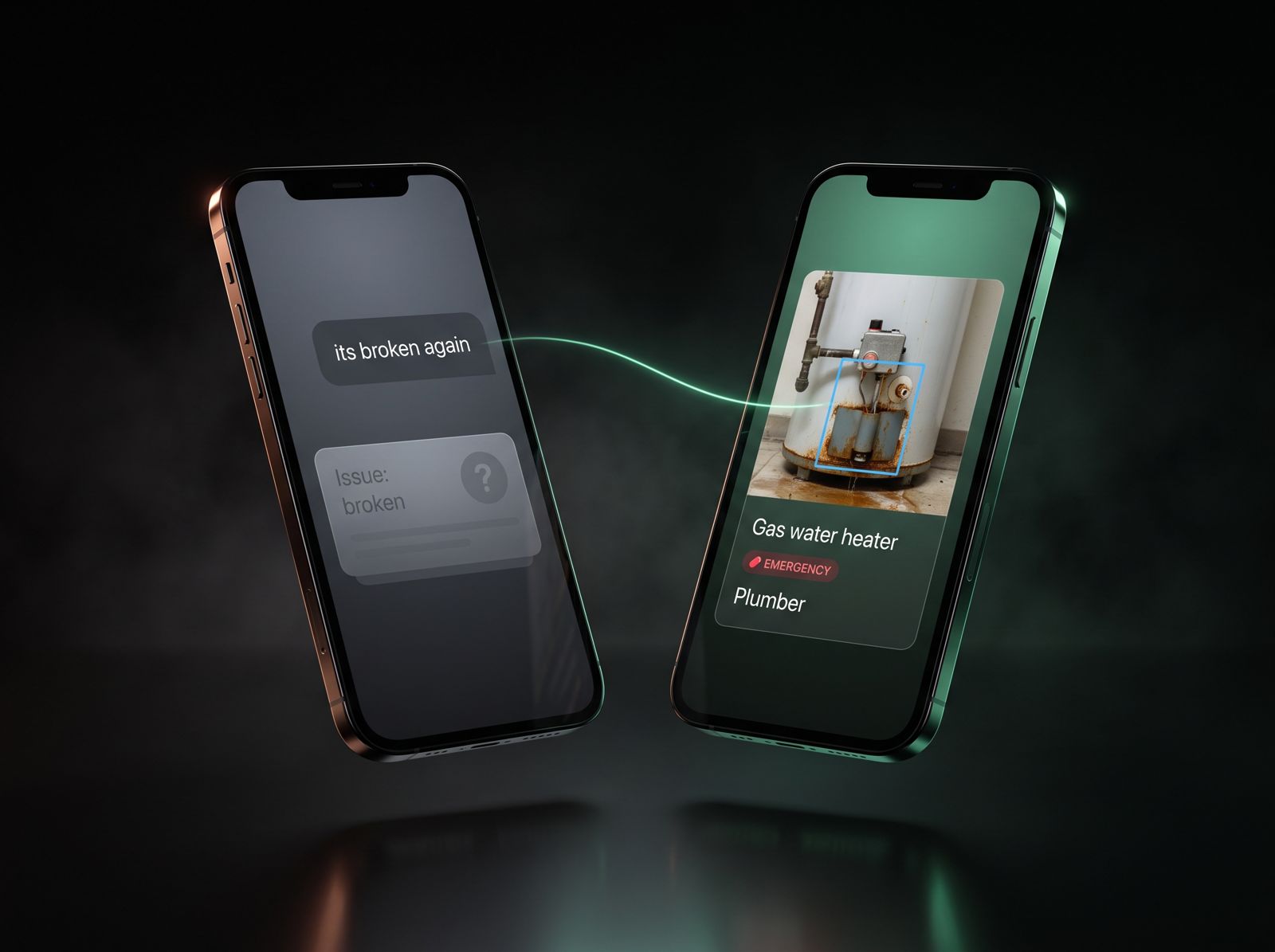
Two phones side by side. On the left, a resident's text says 'its broken again' and the card reads 'Issue: broken' with a question mark. On the right, the same report as a Triage Profile: gas water heater, EMERGENCY, plumber

The ticket is often wrong.

Read from the photo, not guessed

A resident writes “it's broken” and someone drives out to find out what “it” is. With fixRAgent, the resident's photo is read, not guessed from their words: what it is, how urgent, and which trade. The person you send gets the same Triage Profile.
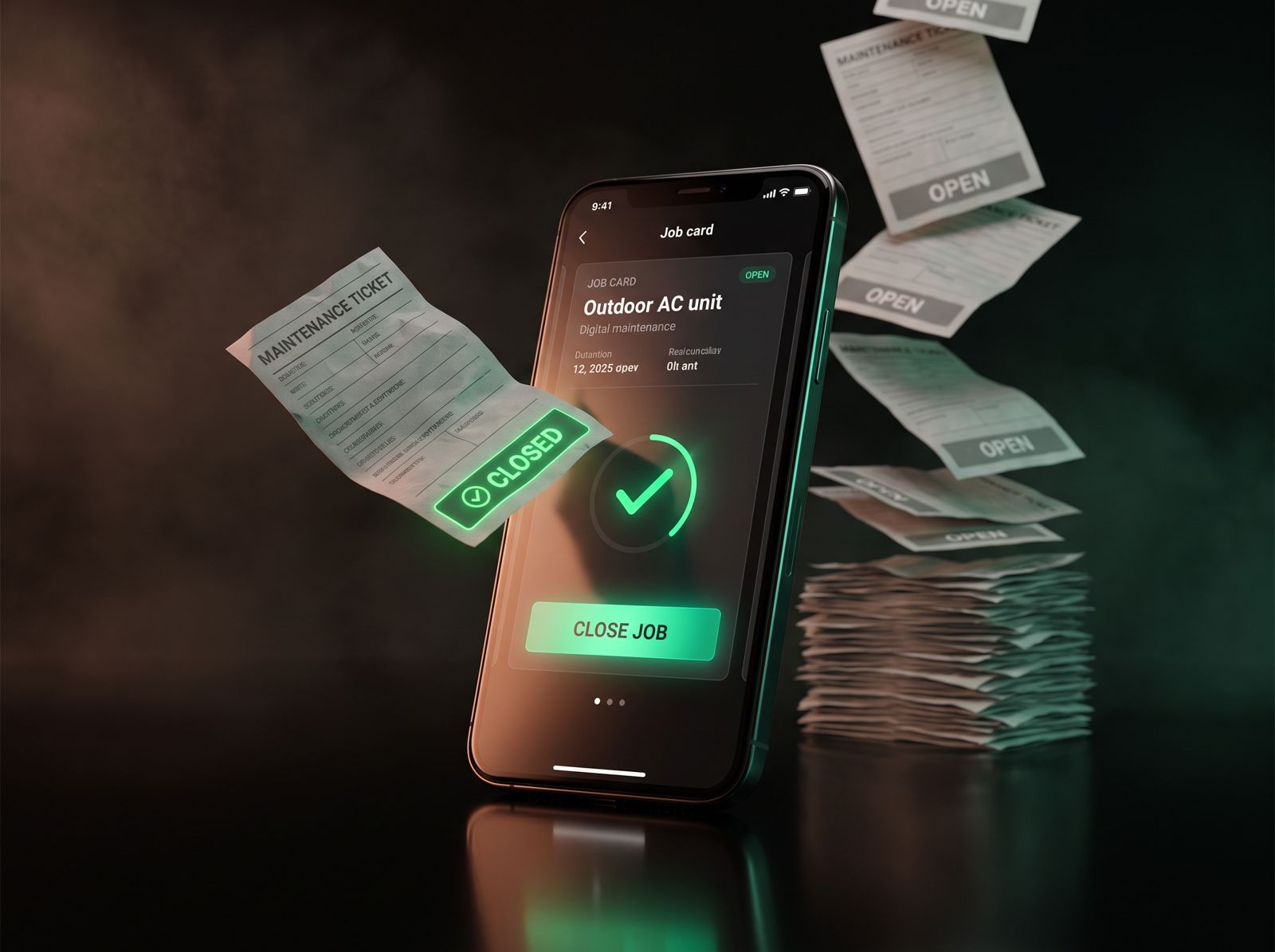
A phone showing the job card for an outdoor AC unit with a Close job button, beside a stack of open maintenance tickets and one ticket stamped Closed

Nobody closes out the ticket.

Closed in two taps

Jobs sit open because closing them is one more chore. Close a job from your phone in two taps, and it moves to Closed and stays in that equipment's history, so next time you can see what was done.

From the resident's photo to a closed job.

  1. A phone scanning a fixRAgent sticker on a water heater1 · THE RESIDENT

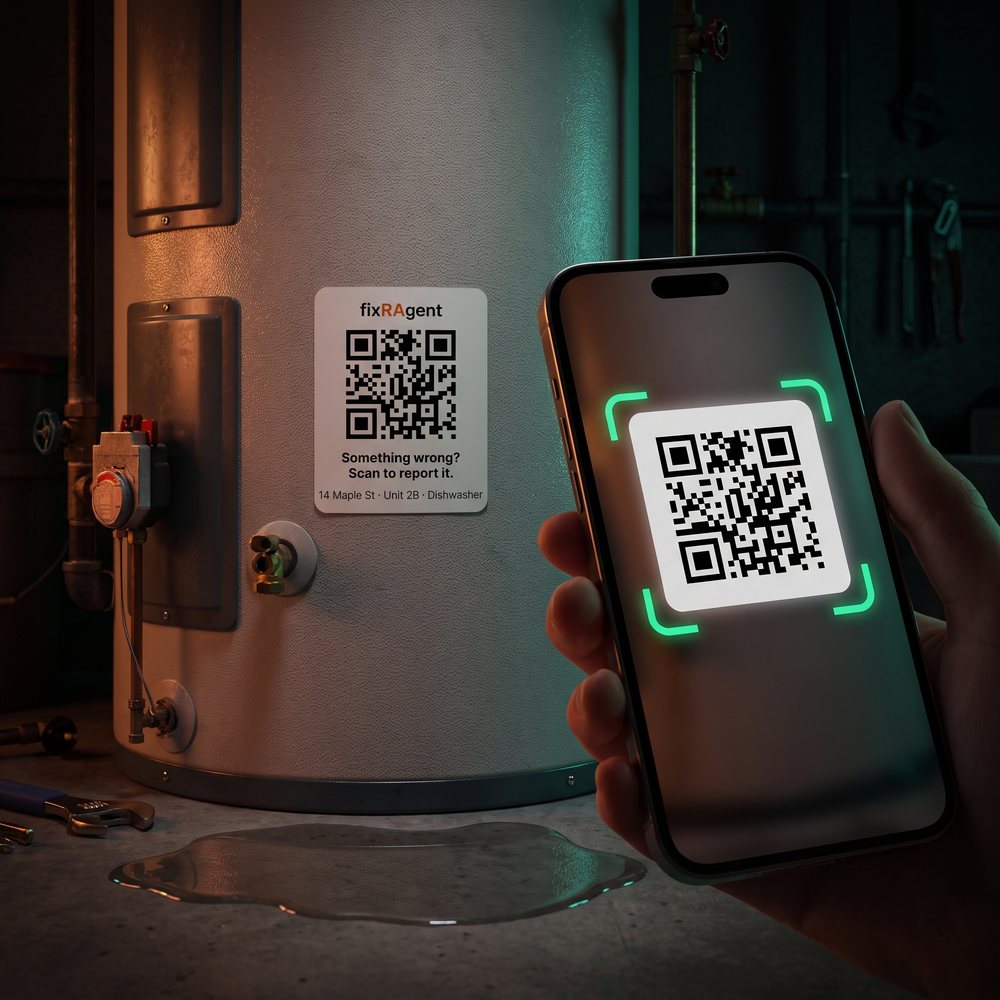
    Scans the sticker and sends a photo

    Every piece of equipment, unit and building gets its own sticker. No app, no login.
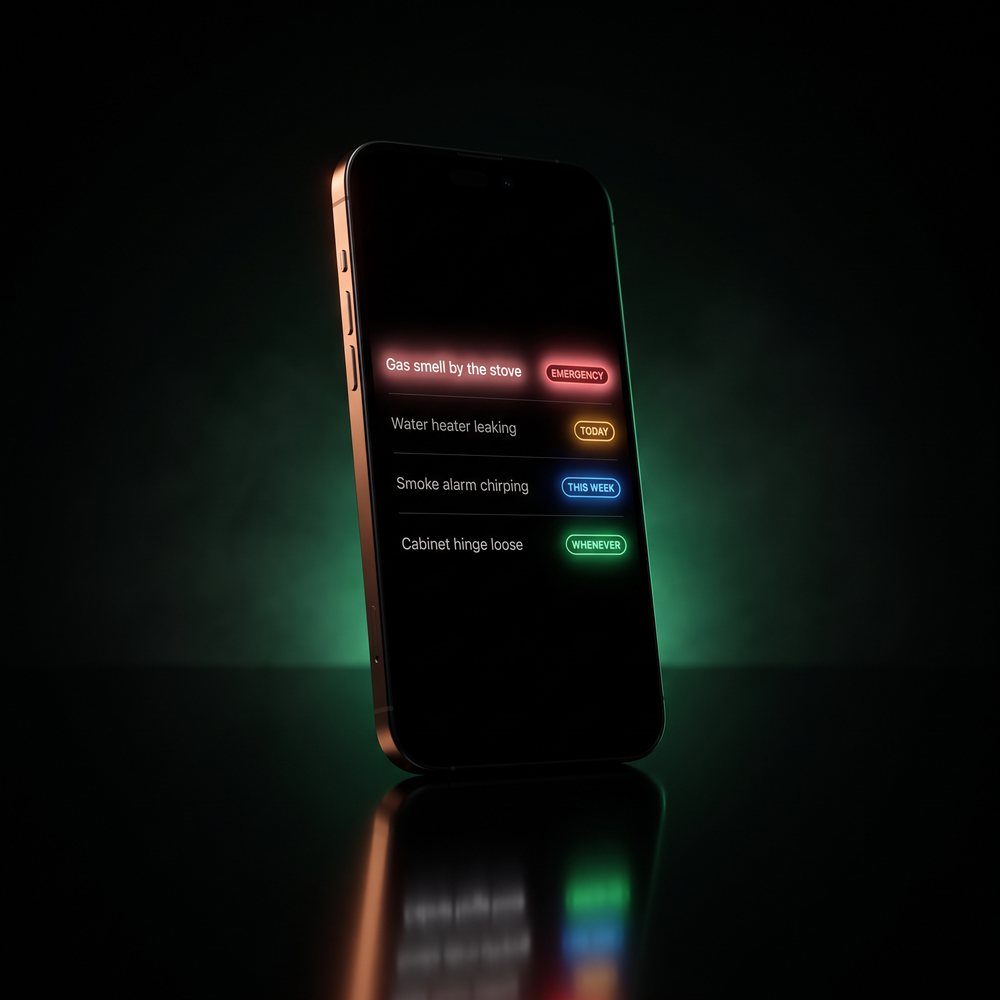
  2. A phone showing the queue, worst first, with urgency lights2 · YOU

    See it in your queue, worst first

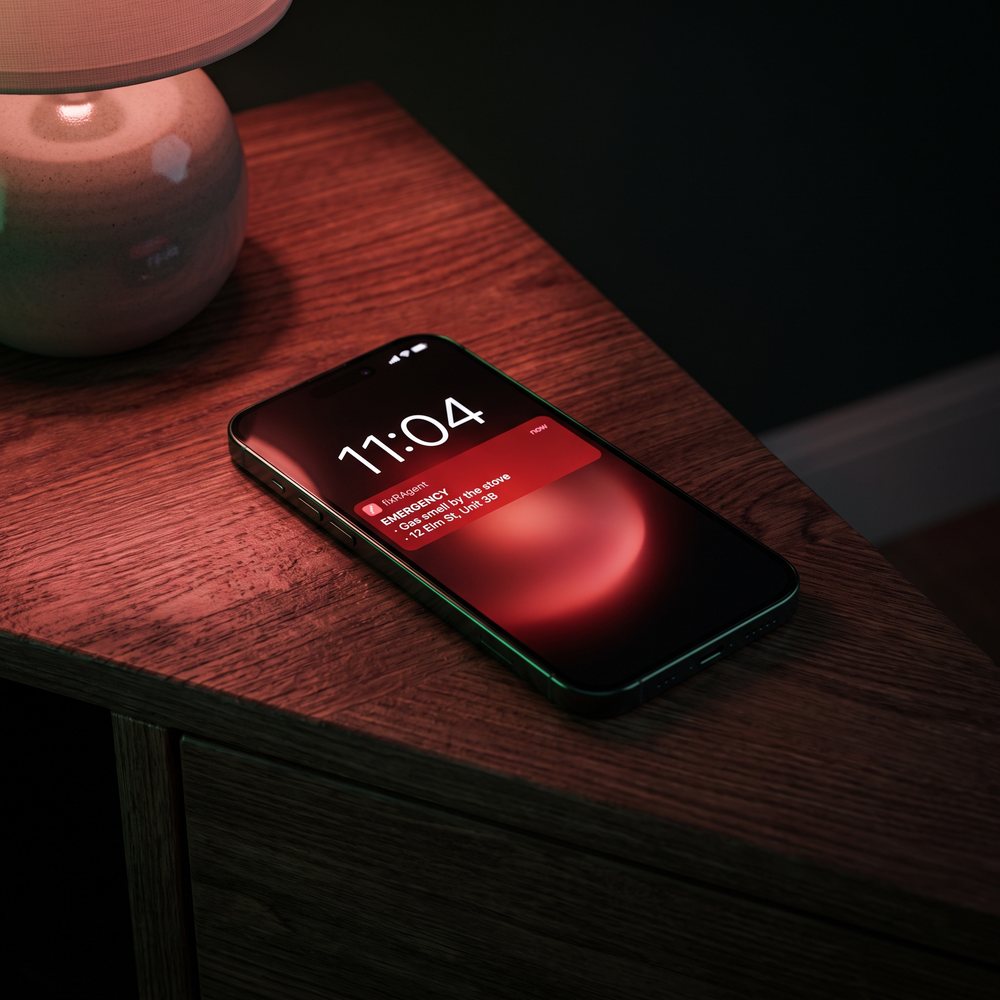
    Emergency and same-day requests are emailed to you right away. Everything else comes in one morning summary. Something not right? Change it.
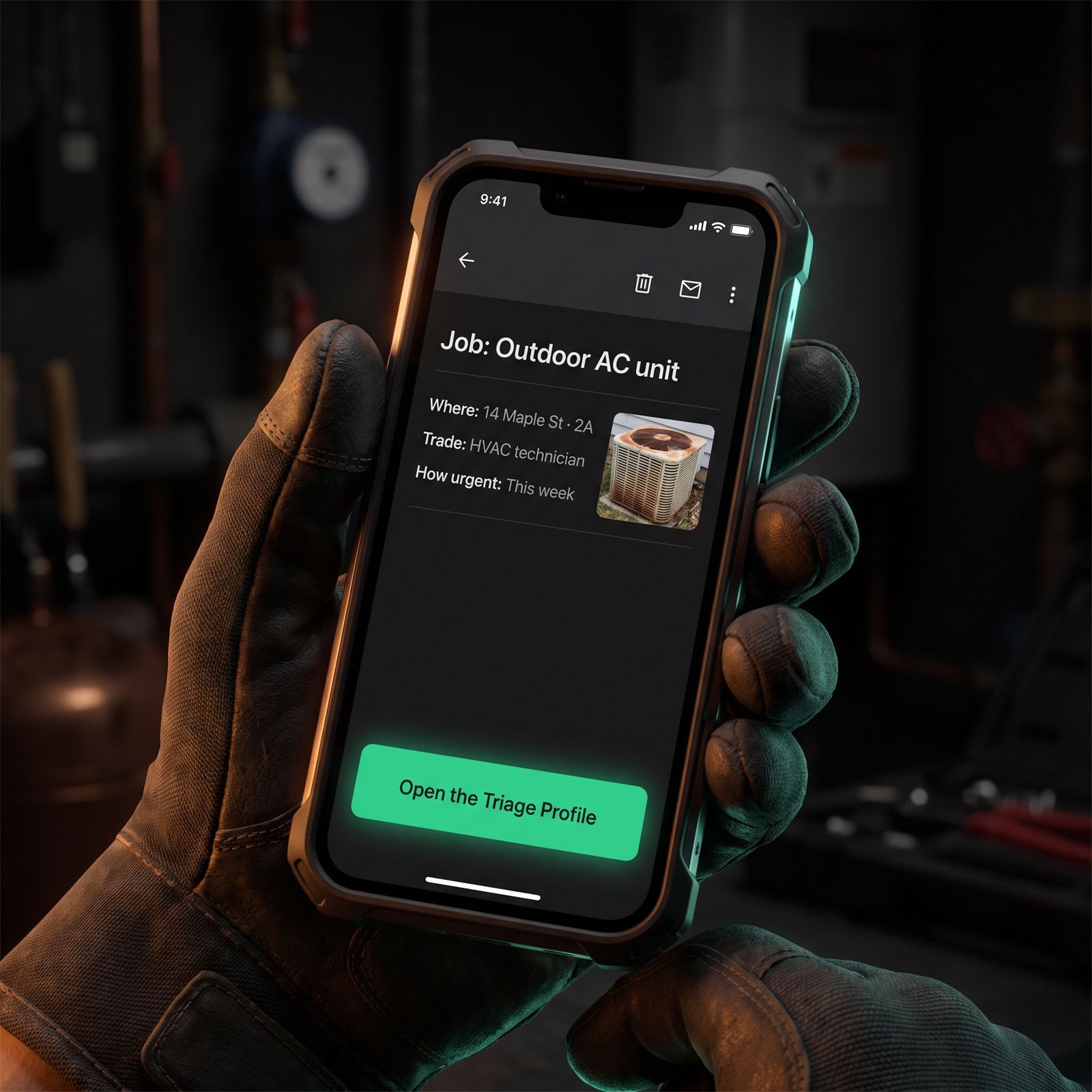
  3. A gloved hand holding a phone that shows the mail you sent: job, outdoor AC unit, 14 Maple St 2A, HVAC technician, this week, with an Open the Triage Profile button3 · THE PERSON YOU SEND

    Gets the Triage Profile, from you

    You decide who goes. It goes to the address you name, as a mail from you, with the link to the Triage Profile: the photo, what it is, how urgent, which trade. Replies come to you.
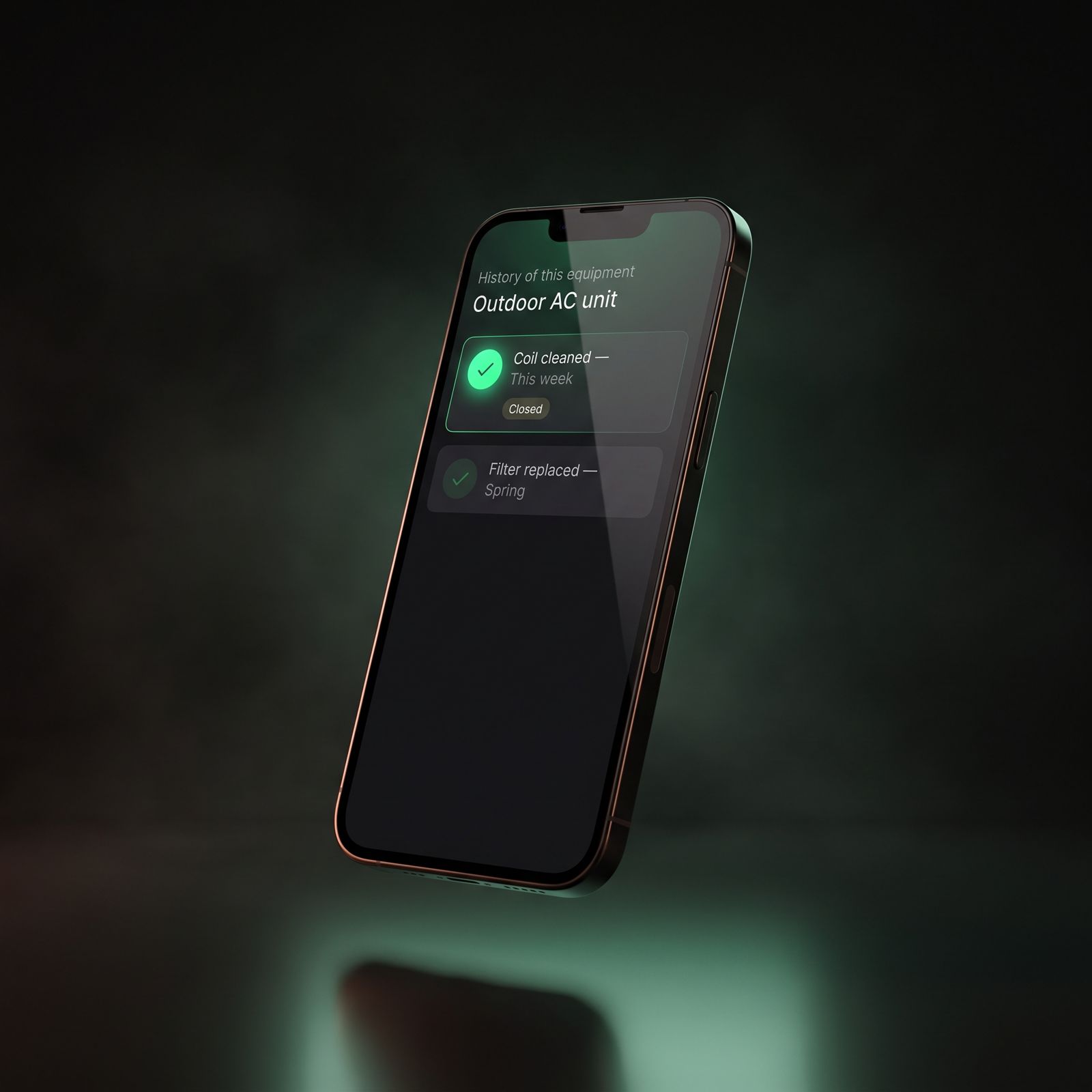
  4. A phone showing the history of an outdoor AC unit: coil cleaned this week, closed, and a filter replaced in spring4 · CLOSED

    The job stays in the equipment's history

    Closed jobs move to their own tab. Open any equipment and see every job it has had.

Four words, worst first.

Every Triage Profile gets one of four. Your queue sorts by them, and the first two reach you right away.

  • EMERGENCY
    Emailed right away.Someone could get hurt, or damage is getting worse now.
  • TODAY
    Emailed right away.Hot water, heat, water or power is out.
  • THIS WEEK
    In the morning summary.Worth a visit soon, not tonight.
  • WHENEVER
    In the morning summary.Cosmetic, or add it to the next visit.
Who built it

By property managers, for property managers.

Ali and Russ ran their own rentals and fixed things themselves. fixRAgent is the tool they built for that job.

Russ and Ali, the founders
Russ and Ali
fixRAgent

Set up your buildings.

First ten managers: 90 days free. No card.