
Your first week as a manager
What happens after you say yes, shown with the pages as they are today. Three screens: set up, the first resident photo, your queue. The pictures were taken on 2 Oct 2026 on a phone; the words in quotes are the pages’ own.
Day 1
Set up your portfolio
Open /pm-onboard. The page asks for one thing first: Type it once. We email you a link that signs you in — new here or not, it is the same one step, and there is no password to make.
Then, in the page’s order: 2 · Name your portfolio
(your company or portfolio name — what your team will see
), 3 · Paste your unit list
(straight from Excel or Sheets. Columns: property, unit, asset type, make, model, serial, install year. A header row is fine — it’s detected.
) and 4 · Your QR pack
, with three buttons: Print stickers
, Open your queue
, See what a resident sees
.
The page says what the stickers do: Residents report by photo: they scan the QR sticker in their unit, or open its link, and send a picture.
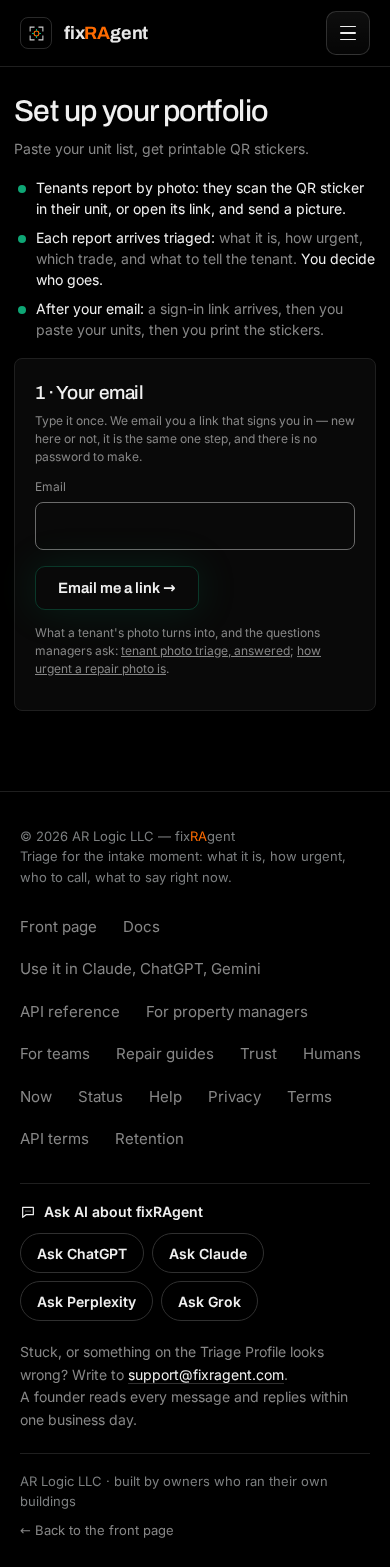
/pm-onboard, signed out. Steps 2 to 4 appear on the same page after the sign-in link.
The first photo · whenever a resident sends one
A resident’s photo becomes a Triage Profile
A resident scans the sticker in their unit and sends a picture. What comes back to you is a Triage Profile. The set-up page describes it in one line: Each report arrives triaged: what it is, how urgent, which trade, and what to tell the resident. You decide who goes.
The picture on the right is a real shared Triage Profile from the public photo page, as anyone can open it today: a garbage disposal, the photo’s own description, the urgency word, the trade, and the line to say to the person who sent it.
It is triage for routing, not a repair, a quote or an emergency service; the site’s own llms.txt says so. Anything happening right now that needs emergency services is a 911 call.

A shared Triage Profile at /c/…, opened signed out. Yours arrive in your queue instead of on a public page.
Every day after · a look at the queue
Your queue
/pm-queue is the manager console. Signed out it shows the sign-in box (Maintenance console. Type your email and we’ll send you a link.
); signed in, the page’s heading is What needs you right now
and its rule is One queue. Ranked by schedule severity — worst first, nothing hiding.
On a quiet day it reads Nothing needs you right now.
Closing a ticket asks you one thing: Confirm the finding or correct it — this is what trains the system.
The form has What it actually was
, Parts used (optional)
, Labor hours
and an optional invoice amount.
What the free tier covers, and the founding offer for the first ten managers, are on /pricing. Nothing on this page is a price.
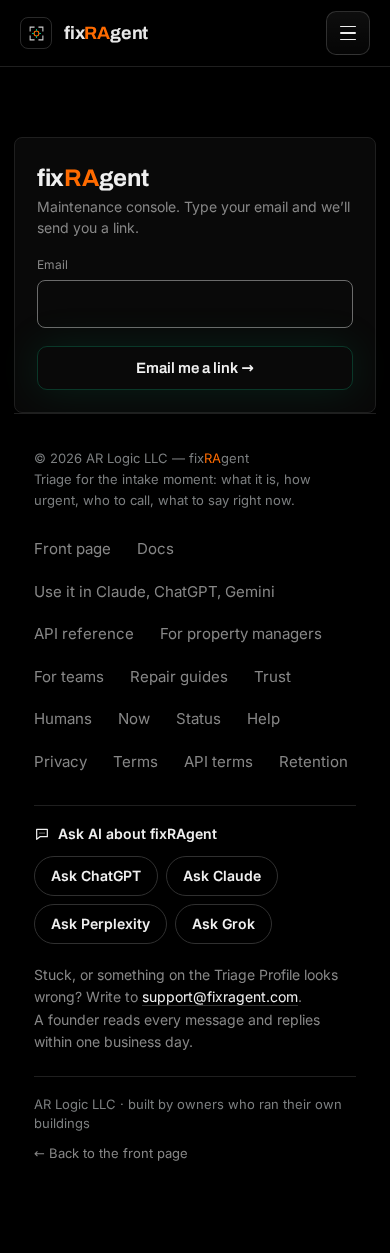
/pm-queue, signed out. The queue itself needs the sign-in link; a picture of someone else’s queue is not shown here.