

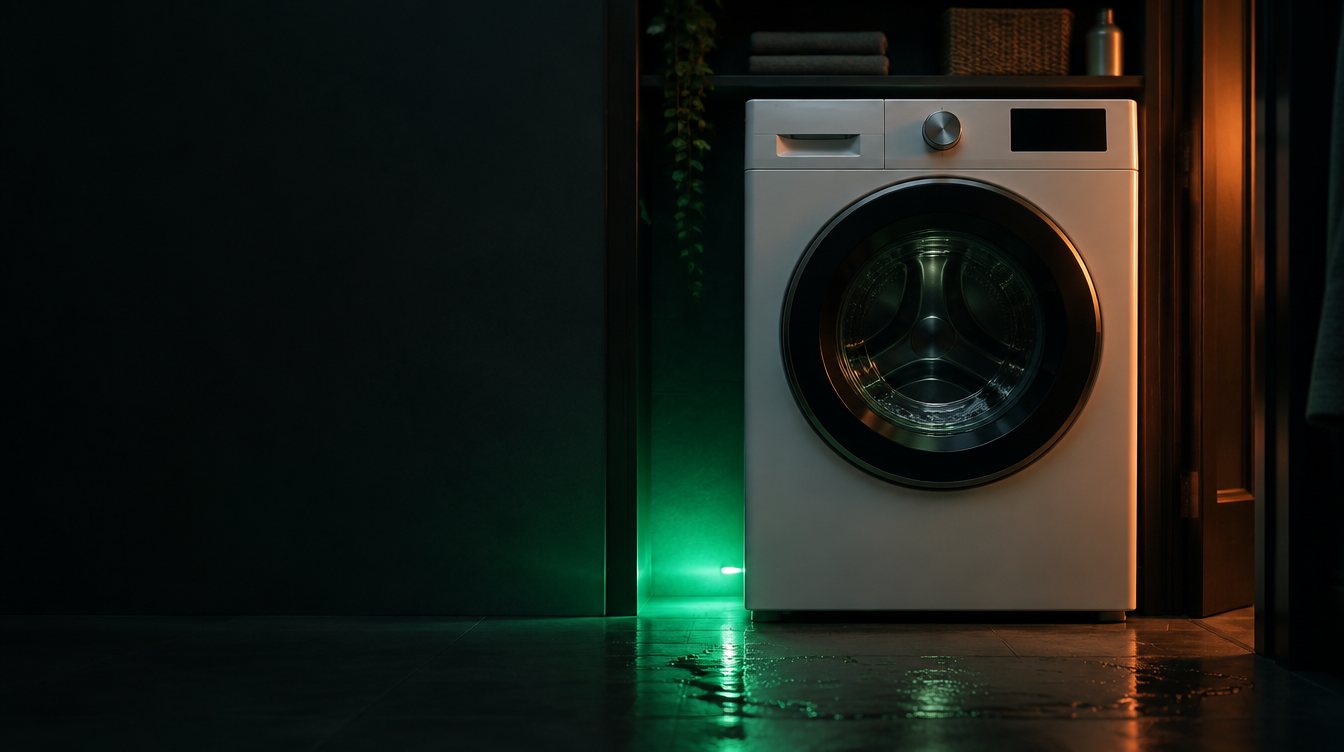
Hotpoint Washer: Flashing Error Code on Display
Codes usually indicate a drain fault, a door-lock fault, or a water-level-sensor issue. Add a photo of your Hotpoint Washer in the box below: the Triage Profile says what it is, how urgent it is, and who to call.
Show us the washer.
Snap a photo — see what it is, how urgent, who to call. One photo of the problem. fixRAgent reads it and gives you a Triage Profile.
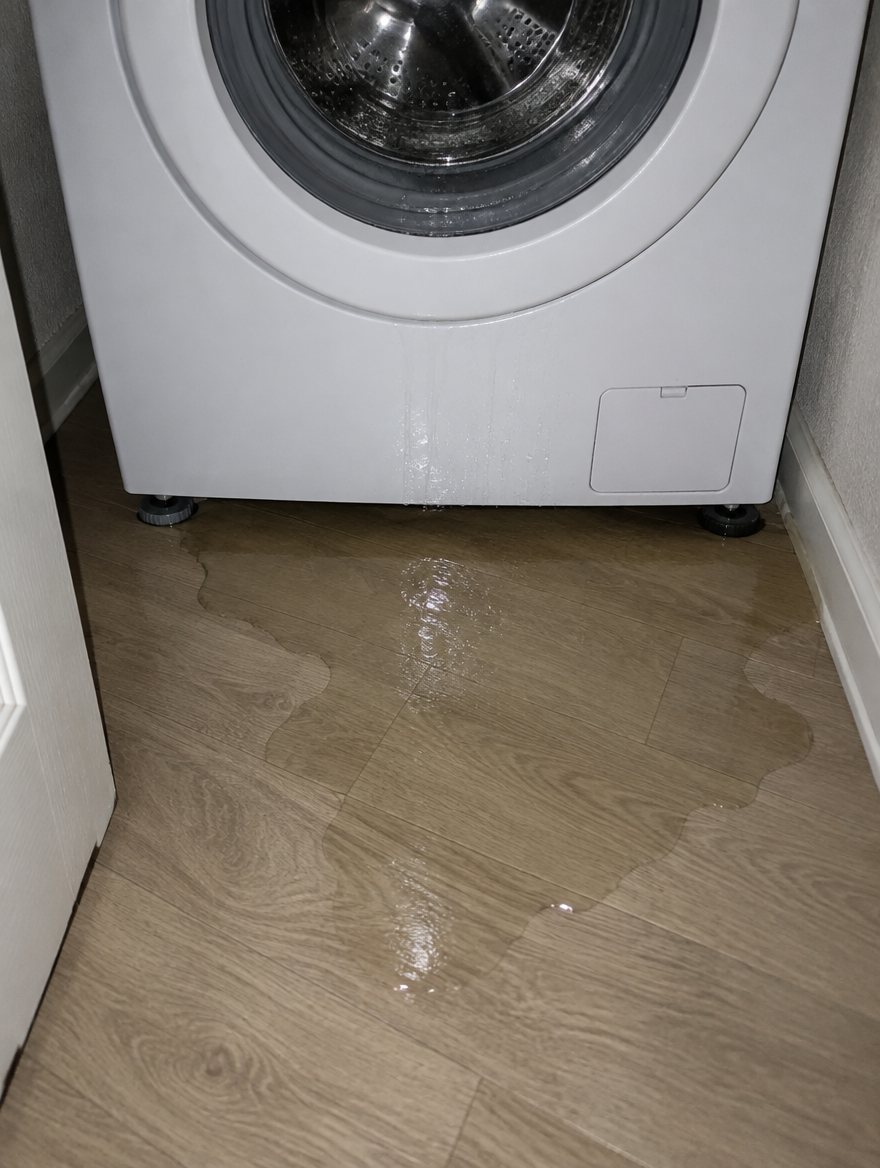
Or start with a sentence
AR Logic LLC · Privacy · Managing this for someone else? There is a version of this for whole portfolios. Managers: set it up for your buildings →
In the next five minutes
Safe first steps, before the call. Nothing here needs a tool.
Take a photo of the code on the display, then stop the washer and switch off its breaker, or unplug it if the plug is dry and you can reach it without moving the washer.
If you can read its label without moving it, note the brand and model number for the call.
Note what it was doing when the code came up.
Everything else about this problem
Is it an emergency?
Is a Hotpoint washer error code an emergency?
Usually not an emergency — the code is the appliance reporting a fault it detected. Note the code, then turn it off at the breaker for a minute and back on. If the code returns with a burning smell, smoke or a leak, leave it off and call a pro.
Symptoms & causes
Flashing error codes on a Hotpoint washer display typically indicate a fault detected by the machine's control board, preventing normal operation. Common causes range from simple issues like an unbalanced load or a clogged drain pump filter to more complex problems such as a faulty lid switch, water inlet valve, or motor control board. The specific code displayed is crucial for checking whether it's a water supply problem, drainage issue, or a component failure.
Tools & parts
Essential tools include a multimeter for testing electrical components, a screwdriver set (Phillips and flathead) for accessing panels, and pliers for hose clamps. Replacement parts might include a Hotpoint lid switch assembly, a water inlet valve, or a drain pump. A flashlight and a bucket for catching residual water are also highly recommended for safe and efficient repair.
Safety first
Always disconnect the washer from its electrical power source by unplugging it from the wall outlet before attempting any inspection or repair to prevent electric shock. Turn off both the hot and cold water supply valves connected to the washer to prevent water leaks and potential flooding during component removal. Be cautious of sharp edges inside the machine and wear gloves to protect your hands, especially when dealing with internal components or moving the appliance.
When to call a pro
If the error code points to a main control board failure, such as an "E4" or "E6" code on some Hotpoint models, professional testing and replacement are often necessary due to the complexity and cost of the part. Persistent motor issues, indicated by codes like "E5" or "E7" after basic troubleshooting, often require specialized tools and expertise to test and replace the motor or its control module. Any situation involving significant water leakage from internal components or a burning smell should immediately prompt a call to a certified appliance technician to prevent further damage or safety hazards.
Questions people ask
What is the first step when my Hotpoint washer shows an error code?
The very first step is to unplug the washer from the wall outlet for at least 60 seconds, then plug it back in. This often resets the control board and clears temporary glitches.
How do I find out what a specific error code means for my Hotpoint model?
Refer to your Hotpoint washer's owner's manual, which contains a comprehensive list of error codes and their corresponding troubleshooting steps. If you don't have the manual, you can usually find it online on the Hotpoint support website by entering your model number.
Can an unbalanced load cause an error code?
Yes, an unbalanced load is a common cause for error codes, often related to spin cycle issues. The washer's sensors detect excessive vibration and stop the cycle to prevent damage, displaying an error like "UL" or "E1".
Related problems
More Hotpoint washer problems
Check another symptom for your Hotpoint Washer.
Flashing an error code: other brands
Error codes
Guides and hubs
A resident sent you this?
fixRAgent reads resident photos for whole portfolios: what it is, how urgent, who to send, what to tell them.
Set it up for your buildings →Ask AI about this problem
What it is, how urgent, who to call
Add a photo of your Hotpoint Washer in the box at the top. The Triage Profile says what it is, how urgent it is, and who to call.