

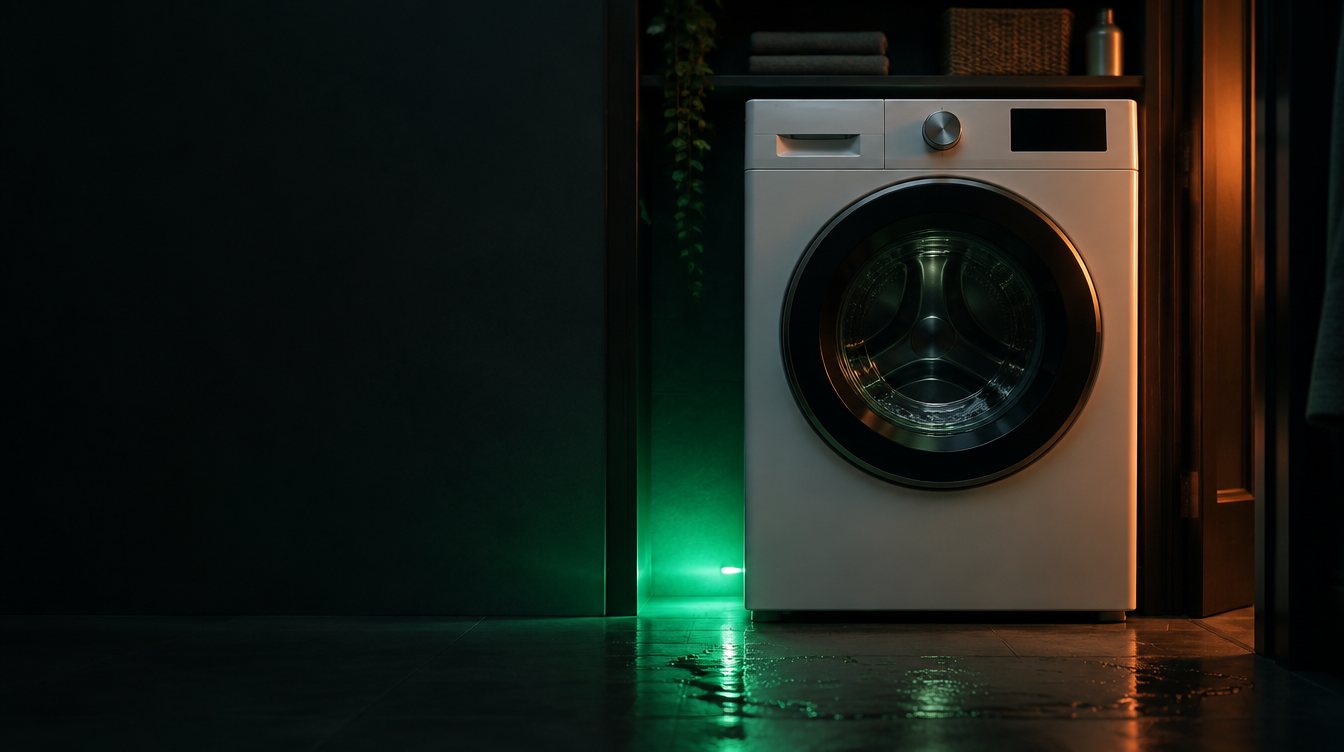
Whirlpool Washer Not Draining: Step-by-Step DIY Fix
Show us the washer.
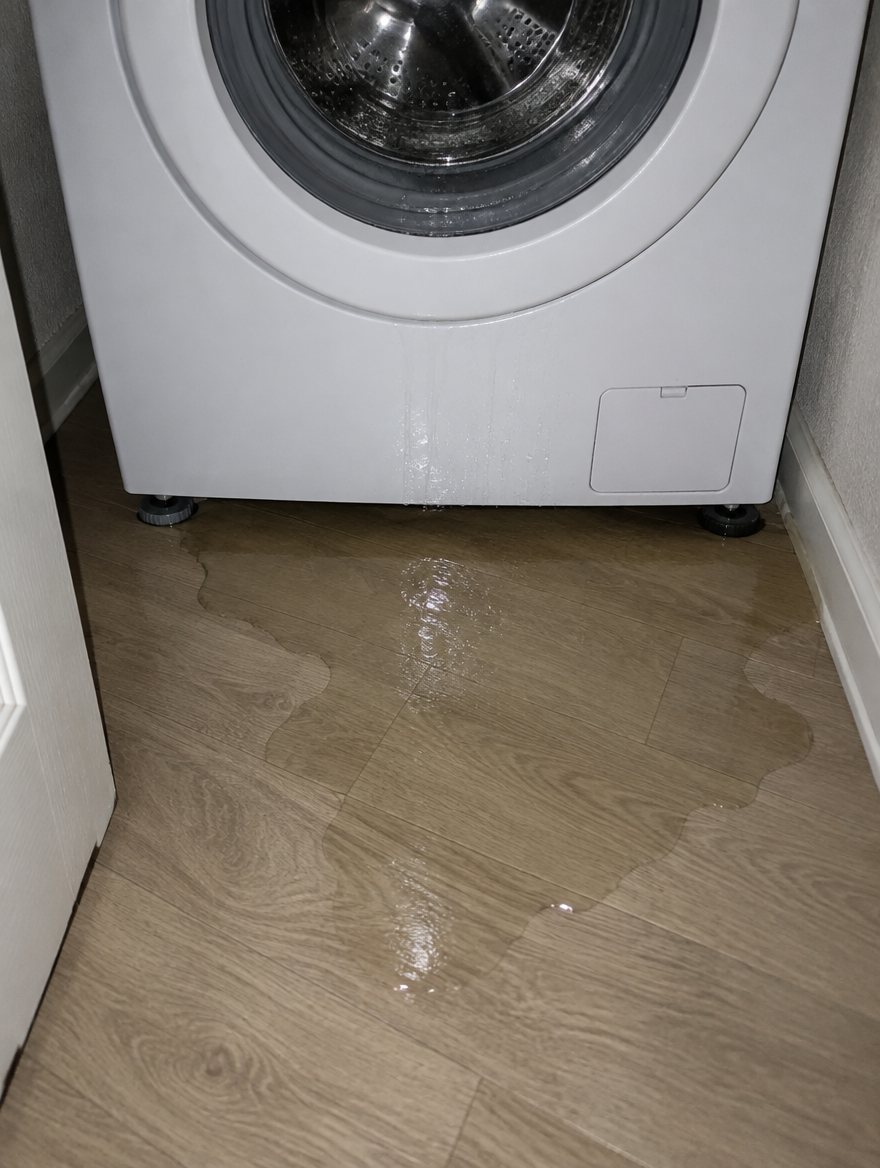
Snap a photo — see what it is, how urgent, who to call. One photo of the problem. fixRAgent reads it and gives you a Triage Profile.
Or say it in a sentence
AR Logic LLC · Privacy · Managing this for someone else? There is a version of this for whole portfolios. Managers: set it up for your buildings →
What to check, in order
Opening your Whirlpool washer to find your clothes sitting in a pool of standing water is incredibly frustrating. Before you pay a plumber or appliance technician a $150 service call fee, there are three common issues you can check yourself in under 15 minutes.
- 1
Check the Drain Pump Filter (The Coin Trap)
In 70% of front-load Whirlpool washers, a drainage issue is simply a clogged pump filter. Bobby pins, coins, and excessive lint accumulate here.
- Step 1 Unplug the washing machine from the wall. Safety first.
- Step 2 Locate the access panel at the bottom front of the washer.
- Step 3 Place a shallow pan and a large towel under the panel. Water will spill out.
- Step 4 Slowly unscrew the filter cap counterclockwise. Pull it out, clear the debris, rinse it in the sink, and screw it back in tightly.
- 2
Inspect the Drain Hose
If the filter is clean, the hose carrying the water to your wall drain might be kinked or clogged.
- Pull the washer away from the wall.
- Check the ribbed plastic drain hose for any sharp bends or kinks.
- Pull the hose out of the wall standpipe and inspect the end for lint buildup.
- Pro Tip: The hose should not go further than 4.5 inches down into the wall pipe, or it can cause a siphon effect, trapping water in the tub.
- 3
Test the Lid Switch Assembly (Top Loaders Only)
For top-loading Whirlpool washers, the machine will refuse to drain or spin if it thinks the lid is open. Press down on the lid switch (the small plastic peg hole under the lid). If you don't hear a "click," the switch is broken and needs to be replaced.
Everything else about a Whirlpool washer that won’t drain
Related problems

Not sure what you’re looking at?
Snap a photo of it. The Triage Profile says what it is, how urgent it is, and who to call.