

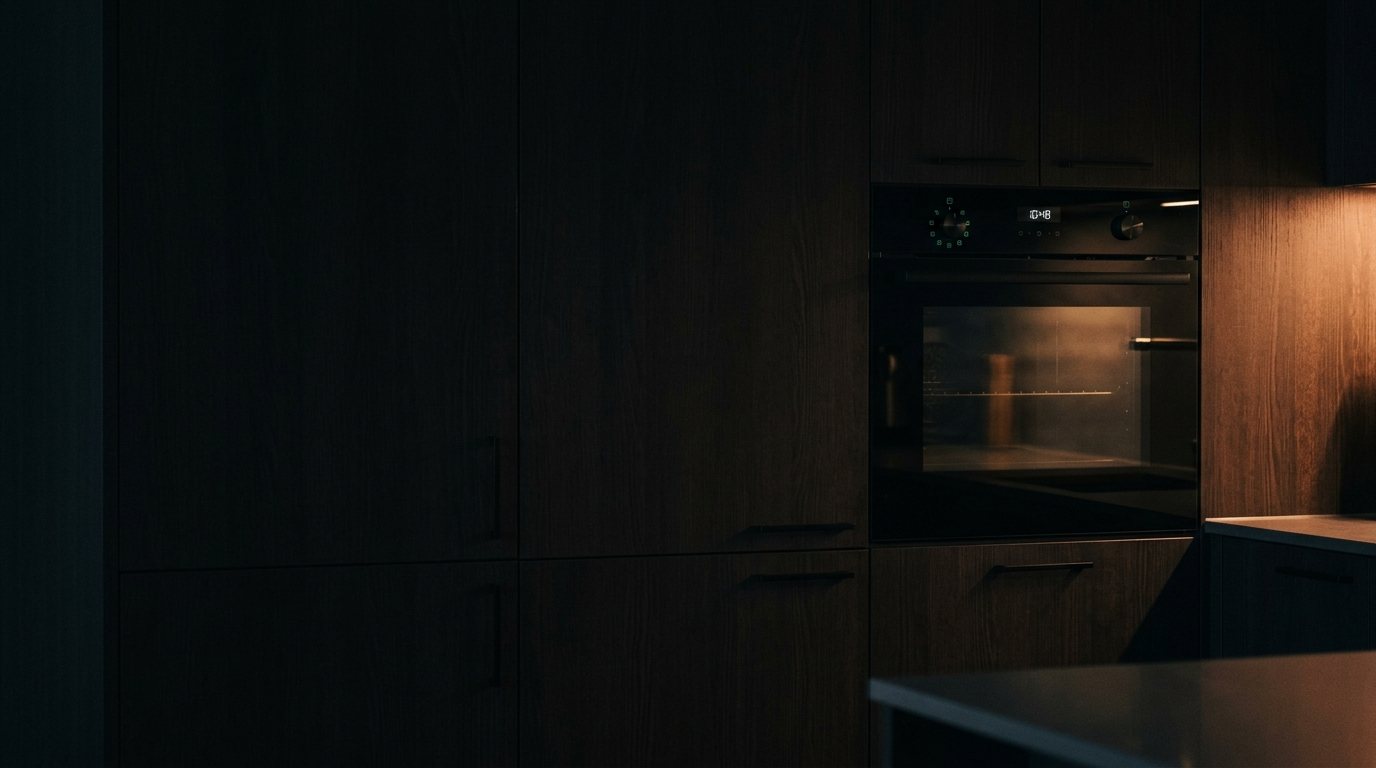
Samsung Oven: Flashing Error Code on Display
Codes usually indicate a temperature-sensor fault, a door-lock fault, or a control-board issue. Add a photo of your Samsung Oven in the box below: the Triage Profile says what it is, how urgent it is, and who to call.
Show us the oven.
Snap a photo — see what it is, how urgent, who to call. One photo of the problem. fixRAgent reads it and gives you a Triage Profile.
Or start with a sentence
AR Logic LLC · Privacy · Managing this for someone else? There is a version of this for whole portfolios. Managers: set it up for your buildings →
In the next five minutes
Safe first steps, before the call. Nothing here needs a tool.
If you smell gas: don’t touch any switch or plug, leave, then call the gas company or 911 from outside.
No gas smell? Take a photo of the code on the display, then turn the oven off and switch off its breaker.
If you can read its label without moving it, note the brand and model number for the call.
Everything else about this problem
Is it an emergency?
Is a Samsung oven error code an emergency?
Usually not an emergency — the code is the appliance reporting a fault it detected. Note the code, then turn it off at the breaker for a minute and back on. If the code returns with a burning smell, smoke or a leak, leave it off and call a pro.
Symptoms & causes
The Samsung oven display is flashing an error code, indicating a malfunction that prevents normal operation. This often points to issues with the temperature sensor, a faulty control board, or a power supply interruption. Depending on the specific code, the oven might fail to heat, overheat, or simply remain unresponsive to commands.
Tools & parts
You will likely need a multimeter to test electrical continuity and voltage, a Phillips head screwdriver for panel removal, and possibly a nut driver set. Replacement parts could include a new oven temperature sensor (thermistor) or a main control board. Thermal fuses or wiring harnesses might also be necessary.
Safety first
Always disconnect power to the oven at the circuit breaker before attempting any inspection or repair to prevent electrical shock. Be aware that internal components can remain hot for an extended period after use, so allow ample cooling time. Gas ovens also present a potential gas leak hazard if gas lines are disturbed, requiring extreme caution.
When to call a pro
If the issue involves a complex main control board failure that requires advanced tests or programming, it's best to call a certified technician. Problems with the oven's internal wiring harness, especially if there are signs of burning or fraying, should also be handled by a professional due to fire risk. Furthermore, any suspected gas valve issues or igniter problems in a gas oven demand expert attention to ensure safe operation.
Questions people ask
What are some common Samsung oven error codes and what do they mean?
Common Samsung oven error codes include C-F0 for a communication error, SE or S-E for a shorted keypad or control panel issue, and F-1 for a temperature sensor malfunction. Each code points to a specific component or system failure within the appliance.
Can I fix a flashing error code on my Samsung oven myself?
Many simple error codes, especially those related to power cycling or a faulty temperature sensor, can be resolved with basic DIY troubleshooting. However, complex issues involving the main control board or gas components are best left to a professional to ensure safety and proper repair.
How do I perform a hard reset on my Samsung oven?
To perform a hard reset, locate your oven's circuit breaker in your home's electrical panel and switch it off for at least 5 minutes. After this waiting period, switch the breaker back on to restore power and see if the error code has cleared.
Related problems
More Samsung oven problems
Check another symptom for your Samsung Oven.
Flashing an error code: other brands
Error codes
A resident sent you this?
fixRAgent reads resident photos for whole portfolios: what it is, how urgent, who to send, what to tell them.
Set it up for your buildings →Ask AI about this problem

What it is, how urgent, who to call
Add a photo of your Samsung Oven in the box at the top. The Triage Profile says what it is, how urgent it is, and who to call.