


GE Oven: Flashing Error Code on Display
Codes usually indicate a temperature-sensor fault, a door-lock fault, or a control-board issue. Add a photo of your GE Oven in the box below: the Triage Profile says what it is, how urgent it is, and who to call.
Show us the oven.
Snap a photo — see what it is, how urgent, who to call. One photo of the problem. fixRAgent reads it and gives you a Triage Profile.
Or start with a sentence
AR Logic LLC · Privacy · Managing this for someone else? There is a version of this for whole portfolios. Managers: set it up for your buildings →
In the next five minutes
Safe first steps, before the call. Nothing here needs a tool.
If you smell gas: don’t touch any switch or plug, leave, then call the gas company or 911 from outside.
No gas smell? Take a photo of the code on the display, then turn the oven off and switch off its breaker.
If you can read its label without moving it, note the brand and model number for the call.
Everything else about this problem
Is it an emergency?
Is a GE oven error code an emergency?
Usually not an emergency — the code is the appliance reporting a fault it detected. Note the code, then turn it off at the breaker for a minute and back on. If the code returns with a burning smell, smoke or a leak, leave it off and call a pro.
Symptoms & causes
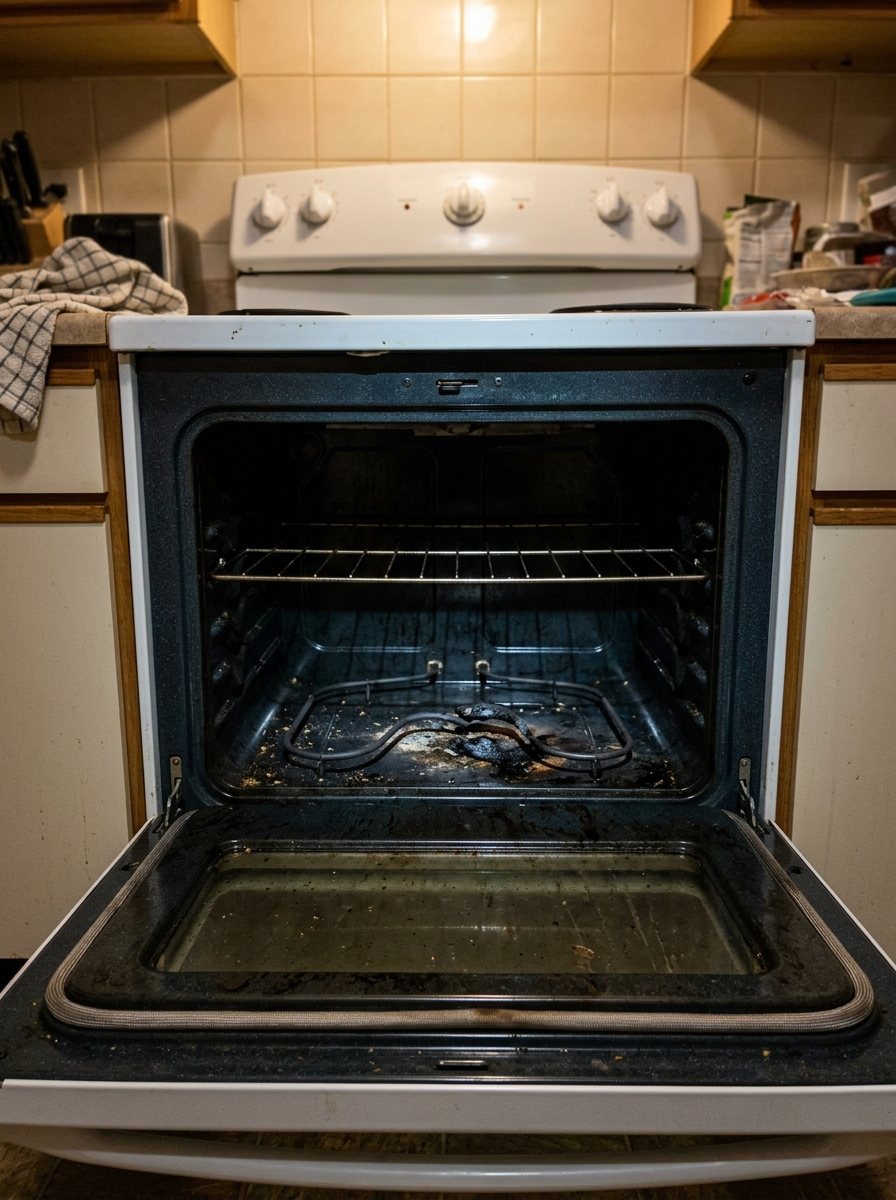
A GE oven flashing an error code on its display typically indicates a fault within the appliance's electronic control system, often related to temperature sensing or a communication error. Common culprits include a faulty oven temperature sensor (RTD probe) or a malfunctioning main control board. The display will continuously flash a numerical or alphanumeric code, preventing normal oven operation and heating.
Tools & parts
To track down a GE oven error code, you'll need a multimeter for testing continuity and resistance, a screwdriver set (Phillips and flathead), and potentially needle-nose pliers. Replacement parts might include a GE oven temperature sensor or a new main control board. Always ensure you have the correct part number for your specific GE model.
Safety first
Before attempting any repair on your GE oven, always disconnect power by turning off the dedicated circuit breaker in your home's electrical panel. Failure to do so can result in severe electrical shock or electrocution. Allow the oven to cool completely if it has been in use to prevent burn injuries from hot surfaces or internal components.
When to call a pro
If the error code persists after replacing the temperature sensor and performing a hard reset, or if there are signs of burnt wiring or complex control board tests, it's best to call a professional technician. Issues involving high-voltage components, internal wiring harness damage, or advanced tests of the main control board often require specialized tools and expertise. A professional can safely track down and replace critical components without risking further damage or personal injury.
Questions people ask
What does a flashing error code on my GE oven usually indicate?
A flashing error code on a GE oven typically signals a problem with the oven's electronic control system, most often related to the temperature sensor or the main control board. It's the oven's way of communicating a specific fault that prevents normal operation.
Can I fix a flashing error code on my GE oven myself?
Many common error codes, especially those related to the oven temperature sensor, can be identified and repaired by a DIY enthusiast with basic tools and electrical knowledge. However, more complex issues involving the main control board or internal wiring may require professional assistance.
How do I find the specific meaning of the error code displayed on my GE oven?
You should consult your GE oven's owner's manual or look up the specific model number online to find a list of error codes and their meanings. GE Appliances' support website is an excellent resource for detailed troubleshooting guides specific to your appliance.
Related problems
More GE oven problems
Check another symptom for your GE Oven.
Flashing an error code: other brands
A resident sent you this?
fixRAgent reads resident photos for whole portfolios: what it is, how urgent, who to send, what to tell them.
Set it up for your buildings →Ask AI about this problem
What it is, how urgent, who to call
Add a photo of your GE Oven in the box at the top. The Triage Profile says what it is, how urgent it is, and who to call.