


Maytag Microwave: Flashing Error Code on Display
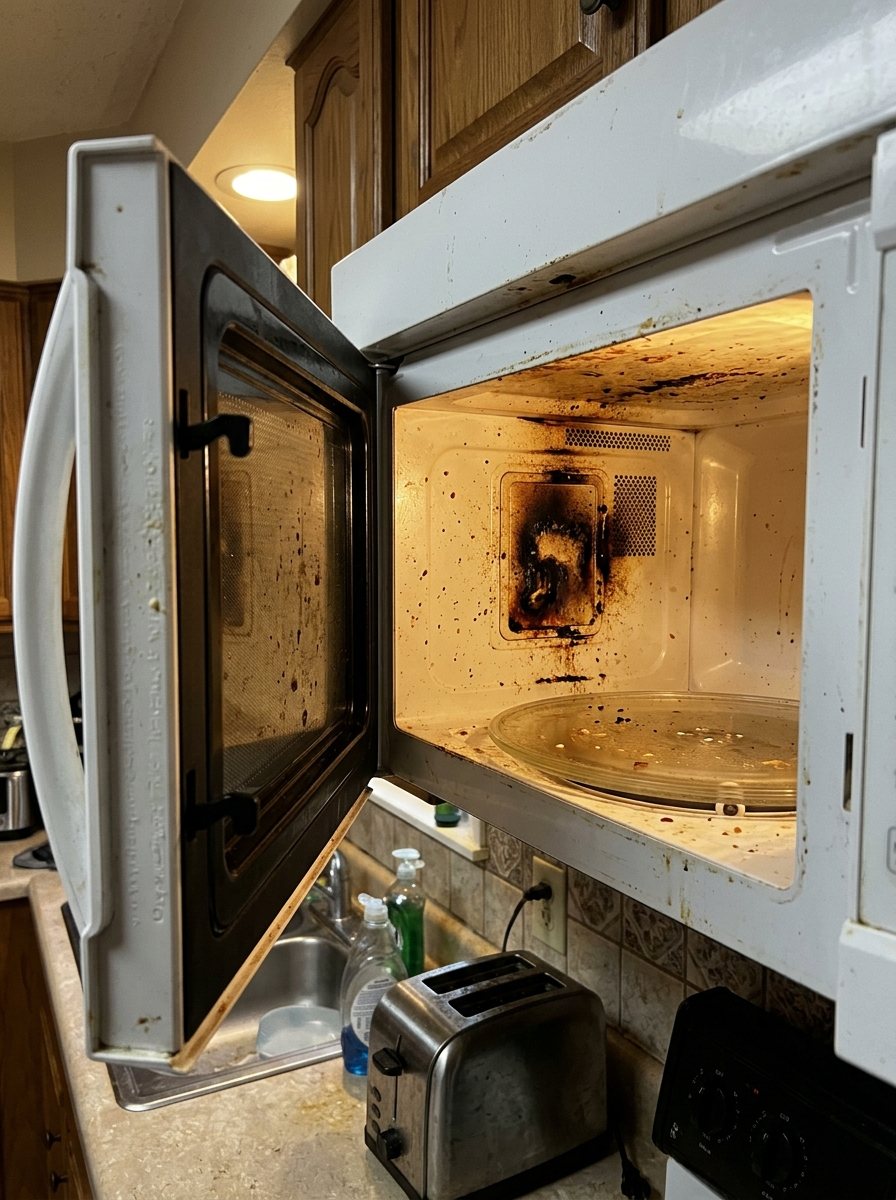
Codes usually indicate a sensor fault, a door fault, or a control-board issue. Add a photo of your Maytag Microwave in the box below: the Triage Profile says what it is, how urgent it is, and who to call.
Show us the microwave.
Snap a photo — see what it is, how urgent, who to call. One photo of the problem. fixRAgent reads it and gives you a Triage Profile.
Or start with a sentence
AR Logic LLC · Privacy · Managing this for someone else? There is a version of this for whole portfolios. Managers: set it up for your buildings →
In the next five minutes
Safe first steps, before the call. Nothing here needs a tool.
Take a photo of the code on the display, then stop the microwave and switch off its breaker, or unplug it if the plug is dry and easy to reach.
If you can read its label without moving it, note the brand and model number for the call.
Don’t use it again until it’s checked, and keep people away from it.
Everything else about this problem
Is it an emergency?
Is a Maytag microwave error code an emergency?
Usually not, but it can be — the code is the appliance reporting a fault it detected. Note the code. Because this can be an emergency, leave it off and get it checked; don't reset it or turn it back on. If the code returns with a burning smell, smoke or a leak, leave it off and call a pro.
Symptoms & causes
A Maytag microwave flashing an error code typically indicates a problem with its internal electronics or sensors, preventing normal operation. Common codes like F1, F3, or F5 often point to issues with the control board, membrane keypad, or temperature sensor respectively. These errors can stem from power surges, component failure, or even a simple door switch malfunction that the system interprets as a fault.
Tools & parts
To track down a flashing error code, you'll need a basic multimeter to test continuity and voltage, along with a standard screwdriver set. If a component like the main control board is faulty, a replacement Maytag control board may be needed. For keypad-related errors, a new membrane keypad may be needed.
Safety first
Always unplug the Maytag microwave from the wall outlet before attempting any inspection or repair to prevent electrical shock. Be aware that the high-voltage capacitor inside a microwave can store a lethal charge even after being unplugged, so discharge it safely if accessing internal components. Wear appropriate gloves to protect against sharp metal edges and ensure the work area is clear of obstructions.
When to call a pro
If the error code persists after basic troubleshooting and component checks, a professional technician is needed for complex control board tests. Issues involving the high-voltage transformer, magnetron, or capacitor should always be handled by a certified expert due to the extreme electrical hazards involved. Intermittent power failures or multiple, unrelated error codes appearing simultaneously often indicate a deeper electrical system problem best addressed by a professional.
Questions people ask
What does an F1 error code mean on a Maytag microwave?
An F1 error code on a Maytag microwave typically indicates a shorted membrane keypad or a faulty control board. This often means the microwave is receiving continuous input from a button or the board itself is malfunctioning.
Can I fix a flashing error code myself?
Many flashing error codes can be resolved by simple troubleshooting steps like power cycling the unit or checking door switches. However, repairs involving internal electrical components or high voltage should only be attempted by qualified individuals.
How do I reset my Maytag microwave to clear an error code?
To reset your Maytag microwave, unplug it from the wall outlet for at least 5 minutes, then plug it back in. This power cycle often clears temporary glitches and resets the control board.
Related problems
More Maytag microwave problems
Check another symptom for your Maytag Microwave.
Flashing an error code: other brands
Error codes
A resident sent you this?
fixRAgent reads resident photos for whole portfolios: what it is, how urgent, who to send, what to tell them.
Set it up for your buildings →Ask AI about this problem

What it is, how urgent, who to call
Add a photo of your Maytag Microwave in the box at the top. The Triage Profile says what it is, how urgent it is, and who to call.