

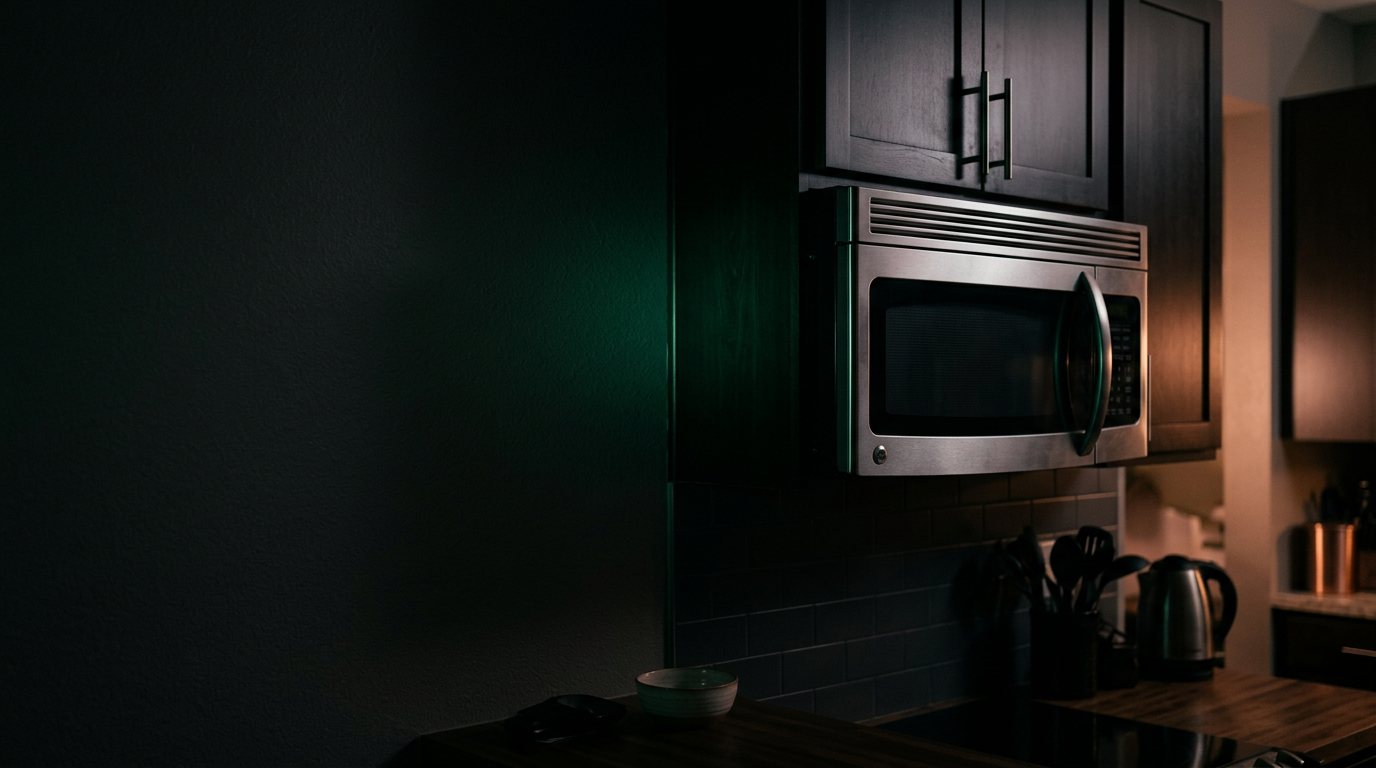
Error code on a KitchenAid microwave — is it urgent?
Codes usually indicate a sensor fault, a door fault, or a control-board issue. Photograph the display with the code showing before anyone clears it, then switch the microwave off and on once. When the code comes back, leave it off: the technician reads the code from the panel. Codes that name a leak, a heating circuit, a flame or an ignition fault, and any code with a smell or water on the floor, move this up; the Triage Profile reads the panel and everything else in the photo.
Show us the microwave.
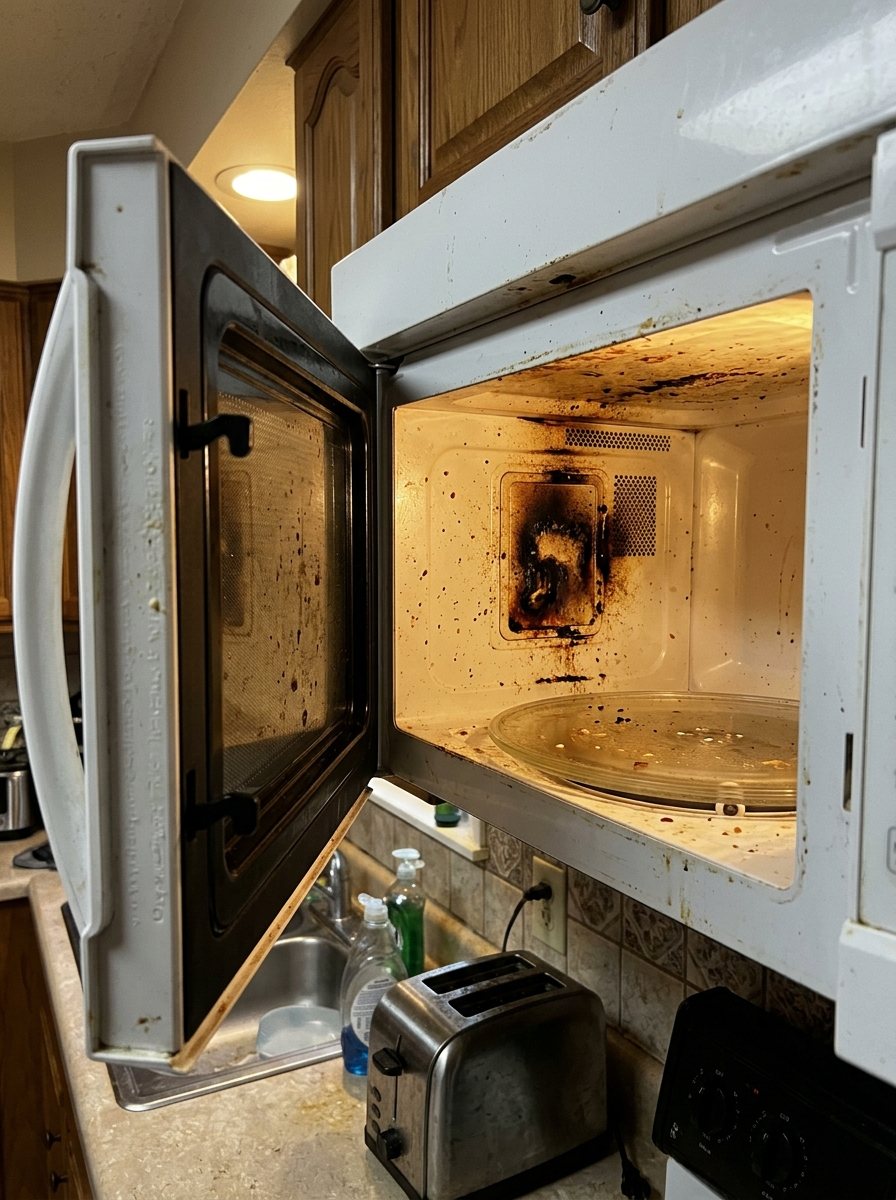
Snap a photo — see what it is, how urgent, who to call. One photo of the problem. fixRAgent reads it and gives you a Triage Profile.
Or start with a sentence
AR Logic LLC · Privacy · Managing this for someone else? There is a version of this for whole portfolios. Managers: set it up for your buildings →
In the next five minutes
Safe first steps, before the call. Nothing here needs a tool.
Take a photo of the code on the display, then stop the microwave and switch off its breaker, or unplug it if the plug is dry and easy to reach.
If you can read its label without moving it, note the brand and model number for the call.
Don’t use it again until it’s checked, and keep people away from it.
Everything else about this problem
Is it an emergency?
Is a KitchenAid microwave error code an emergency?
Usually not, but it can be — the code is the appliance reporting a fault it detected. Note the code. Because this can be an emergency, leave it off and get it checked; don't reset it or turn it back on. If the code returns with a burning smell, smoke or a leak, leave it off and call a pro.
If you manage this unit
Ask the resident
- Which letters and numbers are on the display?
- Does the code come back after one restart, and is there anything else: a smell, water, a noise?
Say this to your resident
Thanks for telling me about the code on the microwave. Please take a photo of the display with the code showing before you clear it, then switch it off and on once. If the code comes back, leave it off: the technician reads the code from the panel. Send me the photo and I'll get an appliance technician to read it.
Who to call
An appliance technician The photo of the display shows the technician the code as it was.
Symptoms & causes
Codes usually indicate a sensor fault, a door fault, or a control-board issue.
A KitchenAid microwave displaying a flashing error code typically indicates an internal fault, ranging from a simple power glitch to a more serious component failure. Common root causes include a malfunctioning control board, faulty door interlock switches, or issues with temperature sensors. These codes are the microwave's way of signaling that a specific system is not operating within its expected parameters.
Questions people ask
Who do I call about an error code on a microwave?
An appliance technician. Codes usually indicate a sensor fault, a door fault, or a control-board issue. The code is the technician's starting point, and the photo of the display shows it to them as it was. The Triage Profile names who to call for your photo.
What do I tell the resident right now?
Thanks for telling me about the code on the microwave. Please take a photo of the display with the code showing before you clear it, then switch it off and on once. If the code comes back, leave it off: the technician reads the code from the panel. Send me the photo and I'll get an appliance technician to read it.
What are common KitchenAid microwave error codes?
Consulting your specific model's owner's manual will provide precise definitions for each flashing code.
Related problems
More KitchenAid microwave problems
Another symptom on the same microwave.
Flashing an error code: other brands
Error codes
A resident sent you this?
fixRAgent reads resident photos for whole portfolios: what it is, how urgent, who to send, what to tell them.
Set it up for your buildings →Ask AI about this problem

Have the photo now?
Drop it in the box at the top. The Triage Profile says what it is, how urgent, who to call and what to say. Email the Triage Profile to yourself or share its link with the resident.