

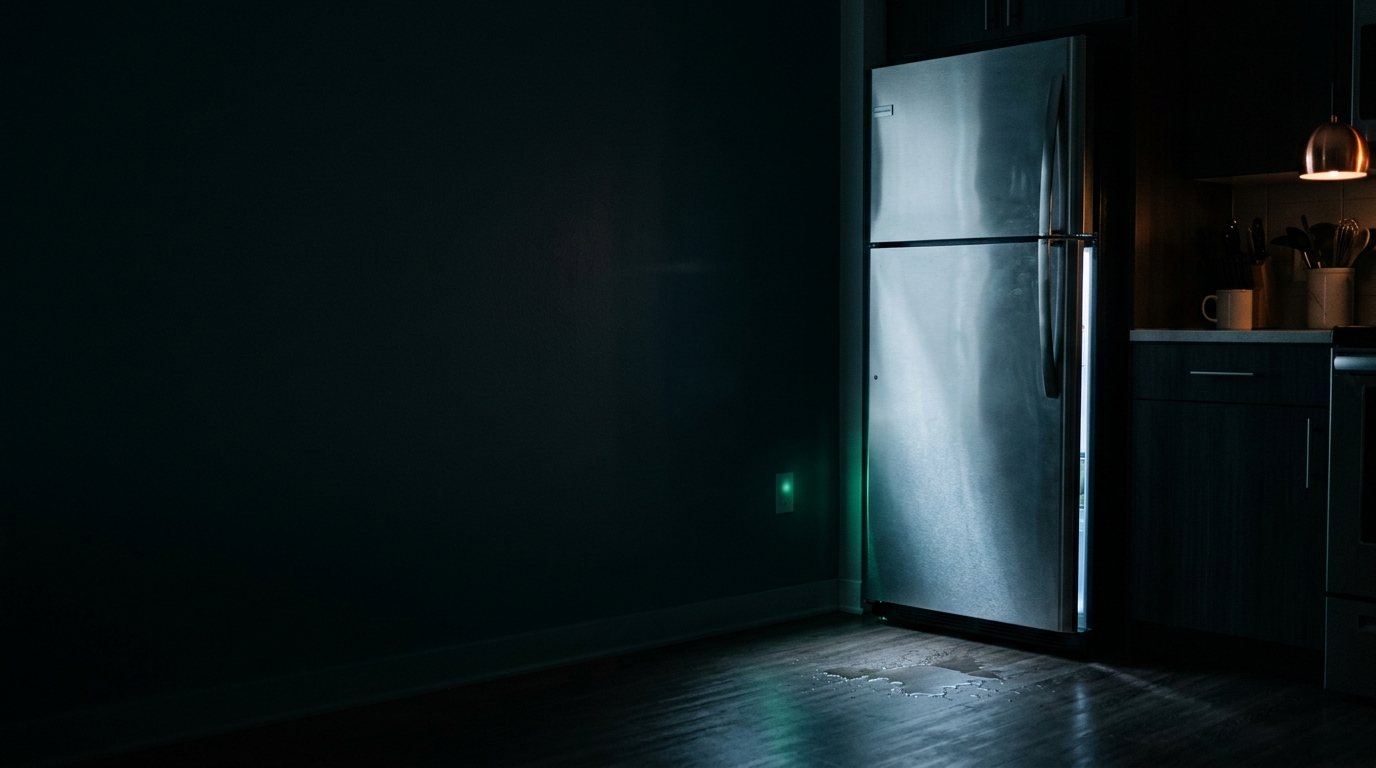
Samsung Refrigerator: Won't Start or Turn On
Commonly a bad start relay or capacitor, a temperature-control fault, or a compressor issue. Add a photo of your Samsung Refrigerator in the box below: the Triage Profile says what it is, how urgent it is, and who to call.
Show us the fridge.
Snap a photo — see what it is, how urgent, who to call. One photo of the problem. fixRAgent reads it and gives you a Triage Profile.
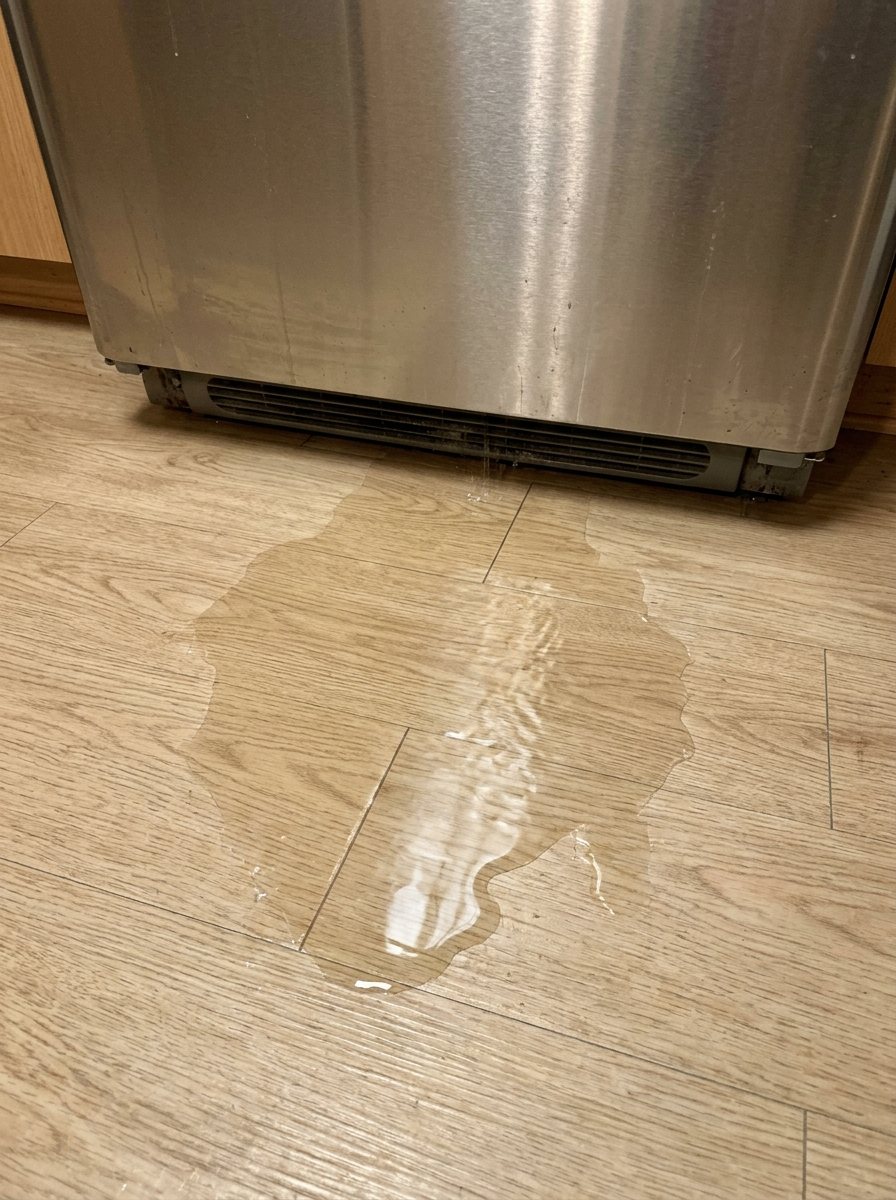
Or start with a sentence
AR Logic LLC · Privacy · Managing this for someone else? There is a version of this for whole portfolios. Managers: set it up for your buildings →
In the next five minutes
Safe first steps, before the call. Nothing here needs a tool.
Switch off the fridge’s breaker, and don’t touch the plug or cord.
Take a photo of the fridge and any code on the display, without opening anything.
Don’t use it again until it’s checked; keep the doors shut to hold the cold.
Everything else about this problem
Is it an emergency?
Is a Samsung refrigerator that won't start an emergency?
Usually not, but it can be. Because this can be an emergency, leave it off and get it checked; don't reset it or turn it back on. Stop and call a pro if it keeps tripping the breaker or smells like burning.
Symptoms & causes
Your Samsung refrigerator is completely unresponsive, showing no signs of power, no interior lights, and a blank display panel. This indicates a complete lack of electrical supply, which could stem from a tripped circuit breaker, a loose power cord, or an outlet malfunction. Less commonly, a failure in the main control board or a faulty power supply board within the unit itself could be preventing any startup.
Tools & parts
You'll need a basic multimeter to test for voltage at the outlet and within the refrigerator's power components. A standard Phillips and flathead screwdriver set will be essential for accessing internal panels and disconnecting wiring harnesses. Depending on the cause, replacement parts like a new Samsung main control board or a power supply board might be necessary.
Safety first
Always unplug the Samsung refrigerator from the wall outlet before performing any inspection or repair to prevent electrical shock. If the outlet is inaccessible, locate and switch off the corresponding circuit breaker in your home's electrical panel. Be mindful of sharp metal edges inside the appliance and wear gloves if necessary to avoid cuts during component access.
When to call a pro
If initial checks confirm power to the unit but it remains unresponsive, a professional technician is needed to track down complex main control board failures that require specialized testing tools. Persistent issues after replacing basic components, such as a new power supply board not resolving the problem, often point to deeper electrical system faults or even a short circuit within the wiring harness. Furthermore, if the refrigerator attempts to start but immediately shuts down, it could indicate a compressor overload or a sealed system issue, both of which require licensed refrigeration expertise.
Questions people ask
Why won't my Samsung fridge turn on after a power outage?
A power surge during the outage might have tripped the internal overload protector or damaged the main control board. Check your home's circuit breaker first, then inspect the refrigerator's power cord for any visible damage.
What if the outlet works but the fridge still won't start?
This suggests an internal issue with the refrigerator's power delivery system. The main control board or the power supply board could be faulty, preventing the unit from receiving power.
Can a faulty door switch prevent a Samsung fridge from starting?
While a faulty door switch typically only affects the interior light or dispenser, a severely shorted switch could potentially interfere with the main control board's startup sequence. However, it's a less common cause for a complete 'no power' scenario compared to power supply issues.
Related problems
More Samsung refrigerator problems
Check another symptom for your Samsung Refrigerator.
Won’t start: other brands
Guides and hubs
A resident sent you this?
fixRAgent reads resident photos for whole portfolios: what it is, how urgent, who to send, what to tell them.
Set it up for your buildings →Ask AI about this problem

What it is, how urgent, who to call
Add a photo of your Samsung Refrigerator in the box at the top. The Triage Profile says what it is, how urgent it is, and who to call.