

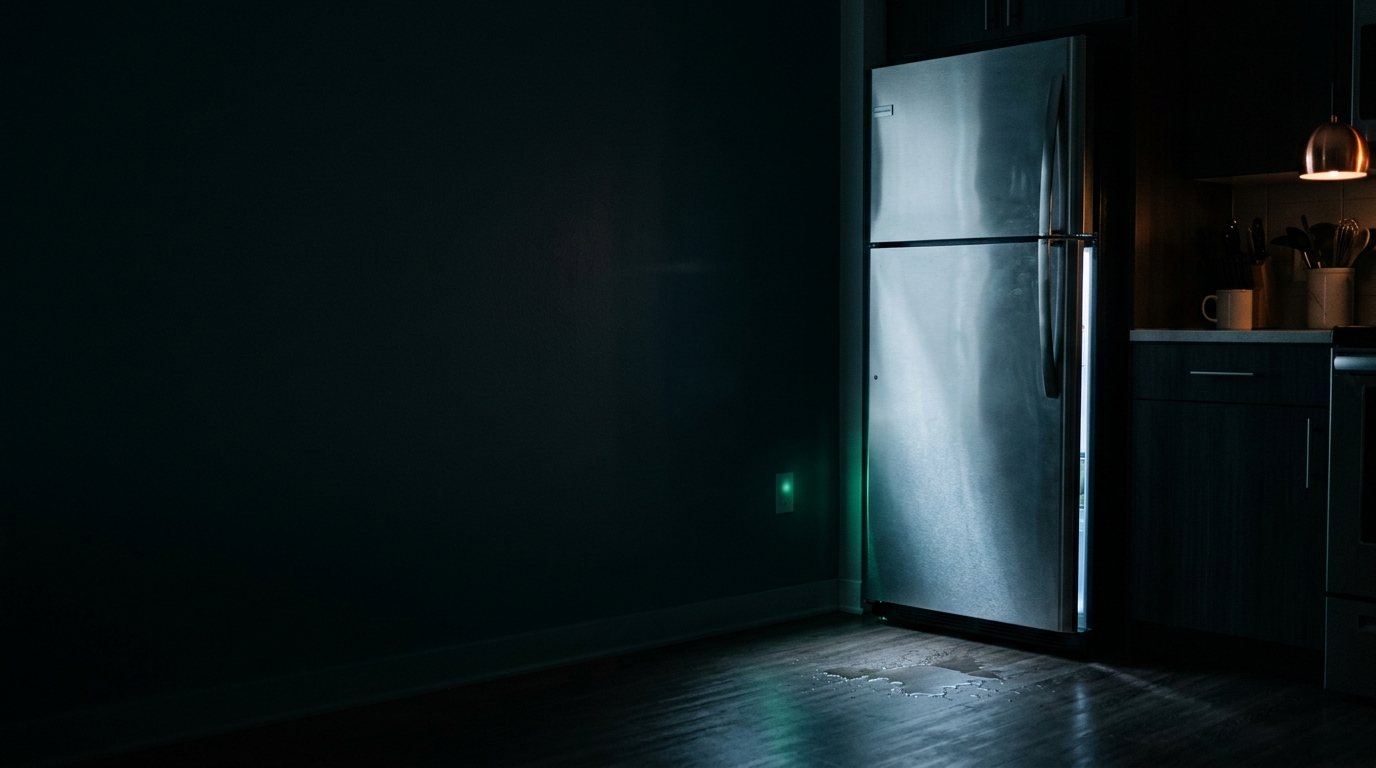
Kenmore Refrigerator: Making Loud Noise
Often a failing evaporator or condenser fan motor, or a worn compressor mount. Add a photo of your Kenmore Refrigerator in the box below: the Triage Profile says what it is, how urgent it is, and who to call.
Show us the fridge.
Snap a photo — see what it is, how urgent, who to call. One photo of the problem. fixRAgent reads it and gives you a Triage Profile.
Or start with a sentence
AR Logic LLC · Privacy · Managing this for someone else? There is a version of this for whole portfolios. Managers: set it up for your buildings →
In the next five minutes
Safe first steps, before the call. Nothing here needs a tool.
Note what the noise sounds like and when it happens, then switch off the fridge’s breaker, and don’t touch the plug or cord.
Take a photo of the fridge and any code on the display, without opening anything.
Don’t use it again until it’s checked; keep the doors shut to hold the cold.
Everything else about this problem
Is it an emergency?
Is a loud noise from a Kenmore refrigerator an emergency?
Usually not, but it can be. A grinding, rattling or humming that has just started most often comes from a fan, motor, belt or loose panel. Stop using it and cut the power if the noise comes with a burning smell, smoke or sparks.
Symptoms & causes
Loud noises in a Kenmore refrigerator often indicate a failing fan motor, either the evaporator fan in the freezer or the condenser fan near the compressor. A buzzing or rattling sound might also point to the compressor itself struggling or loose components vibrating against the frame. Ice buildup obstructing fan blades is another common cause, leading to grinding or scraping sounds.
Tools & parts
You'll likely need a nut driver set to remove access panels and fan covers, and a multimeter to test motor continuity. A replacement Kenmore evaporator fan motor or a condenser fan motor may be needed. You might also need a heat gun or hairdryer for defrosting ice buildup.
Safety first
Always unplug your Kenmore refrigerator from the wall outlet before performing any inspection or repair to prevent electrical shock. Be cautious of sharp edges on metal panels and wear work gloves to protect your hands. If working near the compressor, allow it to cool down as it can become very hot during operation.
When to call a pro
If the compressor itself is making loud grinding or knocking noises, it often indicates a sealed system issue or internal mechanical failure requiring specialized tools and refrigerant handling. Similarly, if the defrost timer or control board is faulty, leading to excessive ice buildup and fan obstruction, a technician can track down and replace these complex electronic components. Persistent loud noises after addressing common fan issues, especially if accompanied by cooling problems, suggest a deeper problem best left to a certified Kenmore appliance repair expert.
Questions people ask
Why is my Kenmore refrigerator making a loud buzzing noise?
A loud buzzing noise often indicates a failing condenser fan motor located near the compressor at the back of the refrigerator. It could also be the compressor itself struggling, especially if the sound is deep and persistent.
Can ice buildup cause loud noises in my Kenmore freezer?
Yes, excessive ice buildup around the evaporator fan in the freezer compartment can cause the fan blades to hit the ice, creating a loud grinding or scraping noise. This usually points to a defrost system malfunction that needs attention.
What if the noise is coming from the bottom rear of my Kenmore refrigerator?
Noises from the bottom rear are typically associated with the condenser fan motor or the compressor. Check for debris obstructing the fan blades or listen closely to determine if the compressor is making unusual sounds.
Related problems
More Kenmore refrigerator problems
Check another symptom for your Kenmore Refrigerator.
Making a loud noise: other brands
Guides and hubs
A resident sent you this?
fixRAgent reads resident photos for whole portfolios: what it is, how urgent, who to send, what to tell them.
Set it up for your buildings →Ask AI about this problem
What it is, how urgent, who to call
Add a photo of your Kenmore Refrigerator in the box at the top. The Triage Profile says what it is, how urgent it is, and who to call.